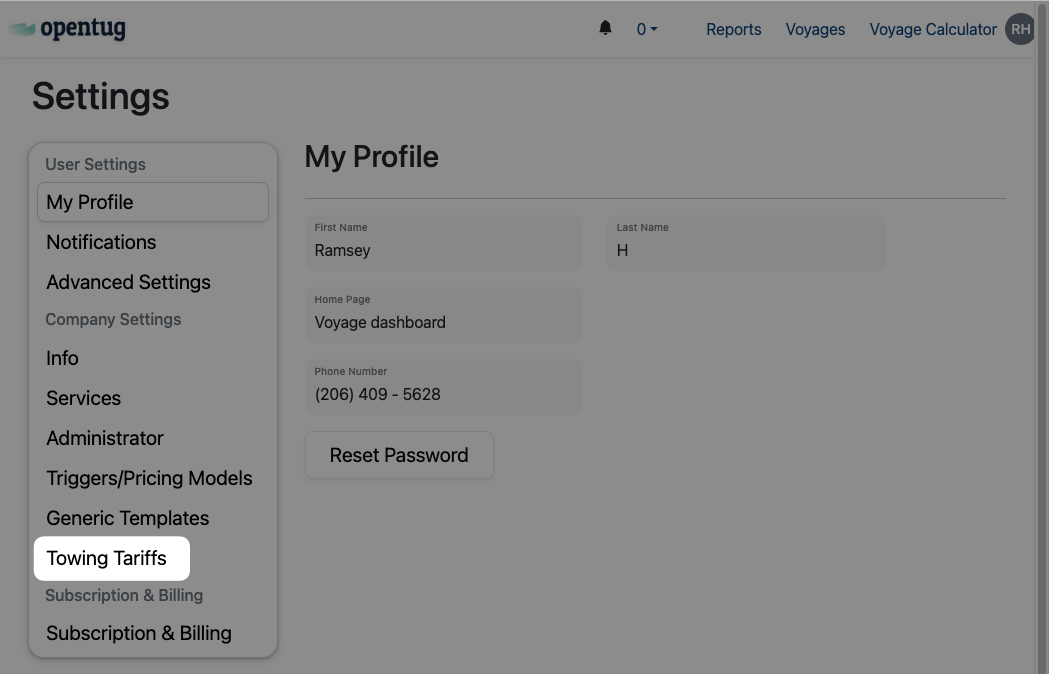
Settings Page Guide
Last updated: November 5, 2025
The Settings page allows both individual users and company administrators to configure their accounts, organization details, and system-wide behaviors. It is divided into two main categories:
User Settings – personal preferences that apply only to your account.
Company Settings – administrative options that affect the entire organization.
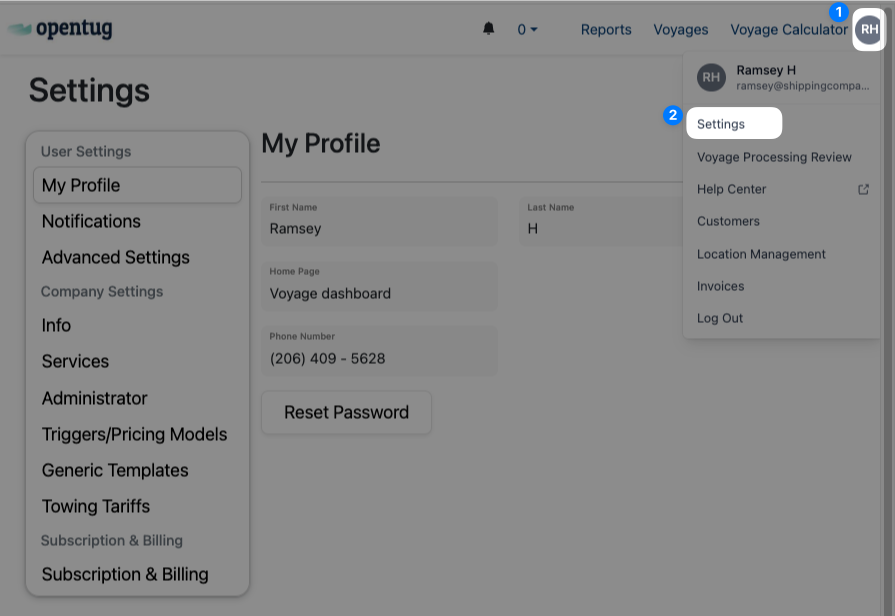
User Settings
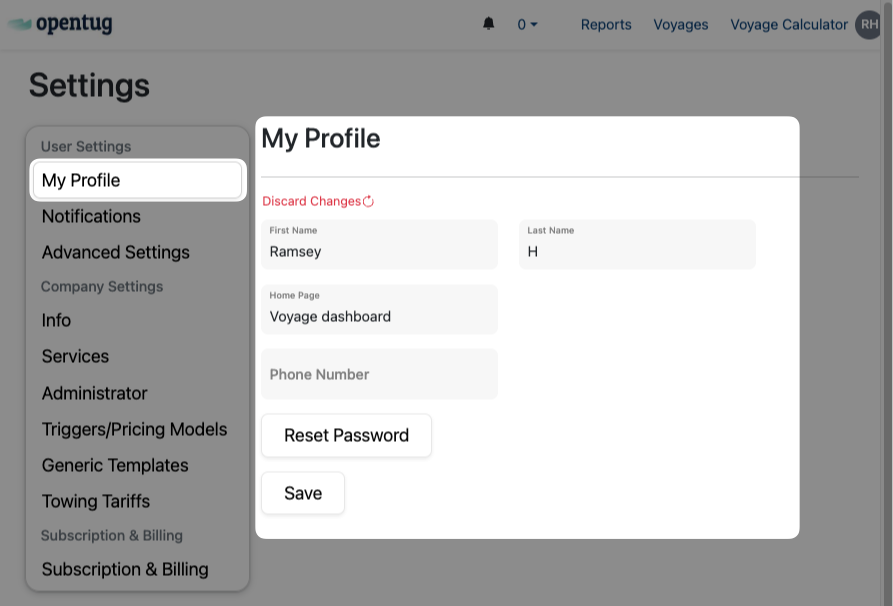
My Profile
Update your name, phone number, and login details.
Adjust personal display preferences.
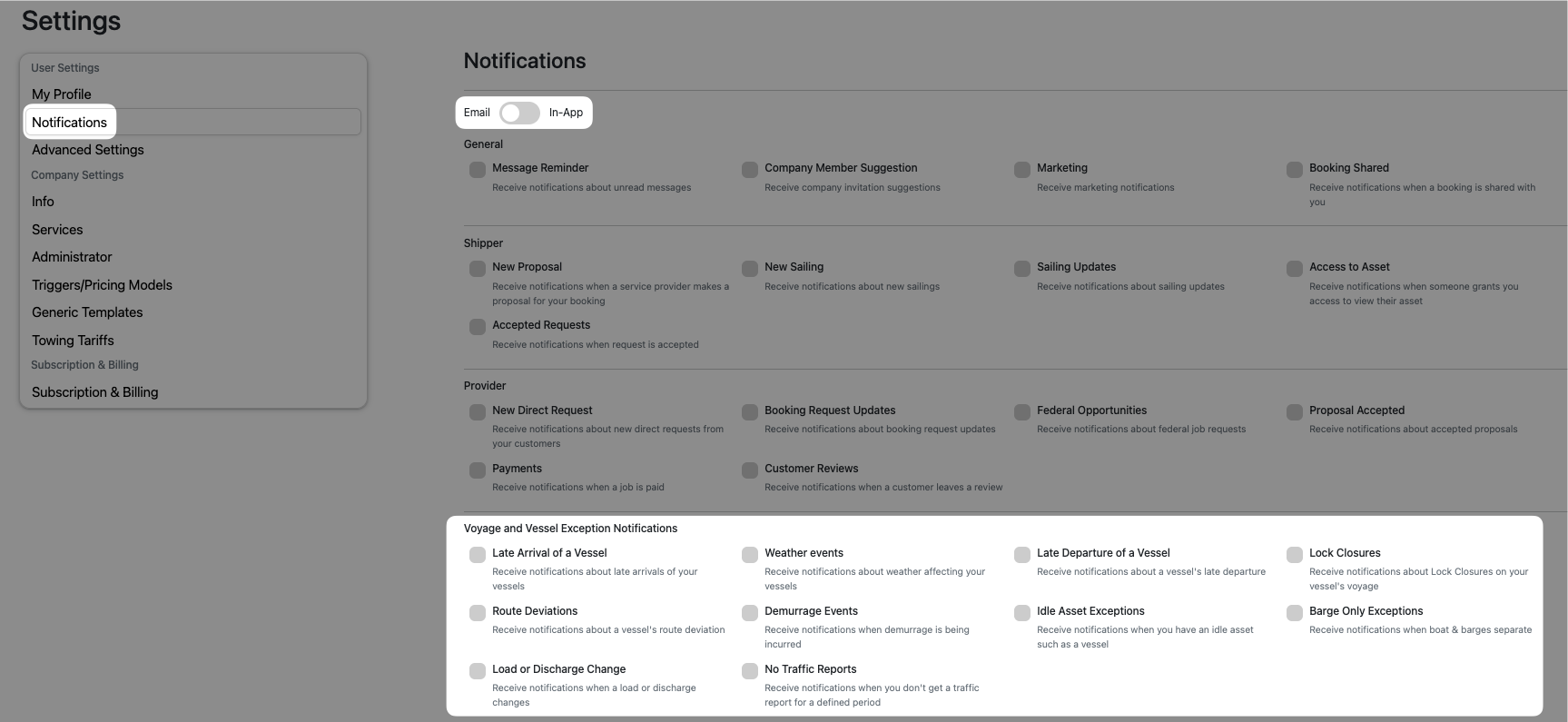
Notifications
Control which alerts you receive (e.g., voyage updates, weather events, tracker activity).
Configure notification channels (in-app, email).
Advanced Settings
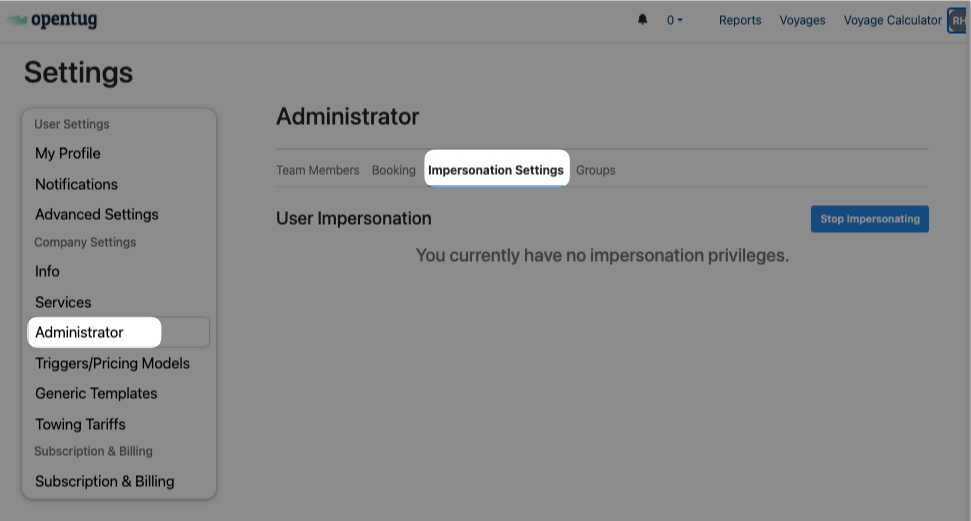
User Impersonation: Allows administrators (with permissions) to temporarily access another user’s account for troubleshooting or training.
If you don’t have impersonation privileges, this page will indicate so.
Company Settings
Info
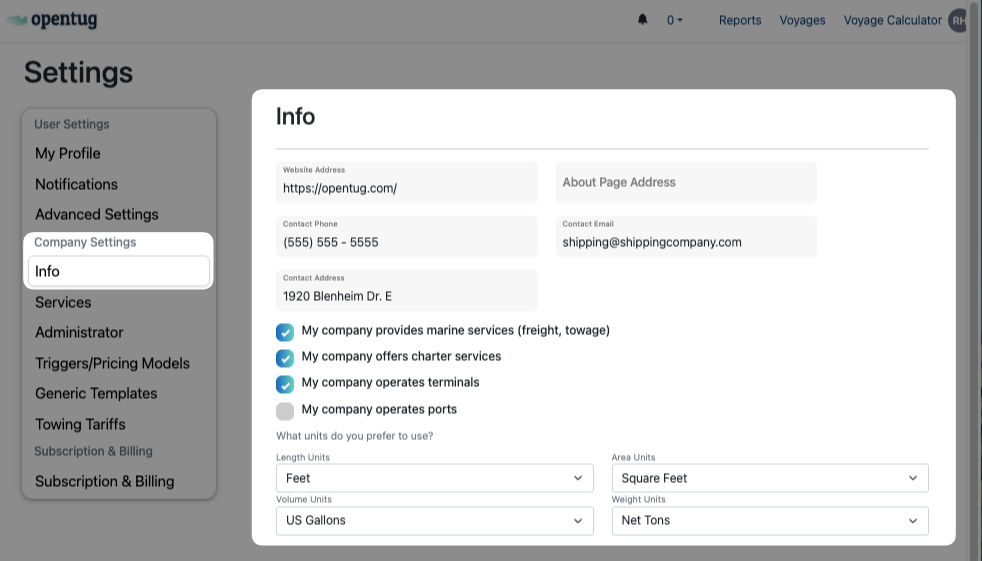
Maintain company details such as:
Website address, contact phone, contact email.
Company address.
Declare operational scope:
Marine services (freight, towage).
Charter services.
Terminal operations.
Port operations.
Set default measurement units:
Length (feet, meters).
Volume (gallons, barrels, cubic meters).
Area (square feet, square meters).
Weight (net tons, metric tons).
Services
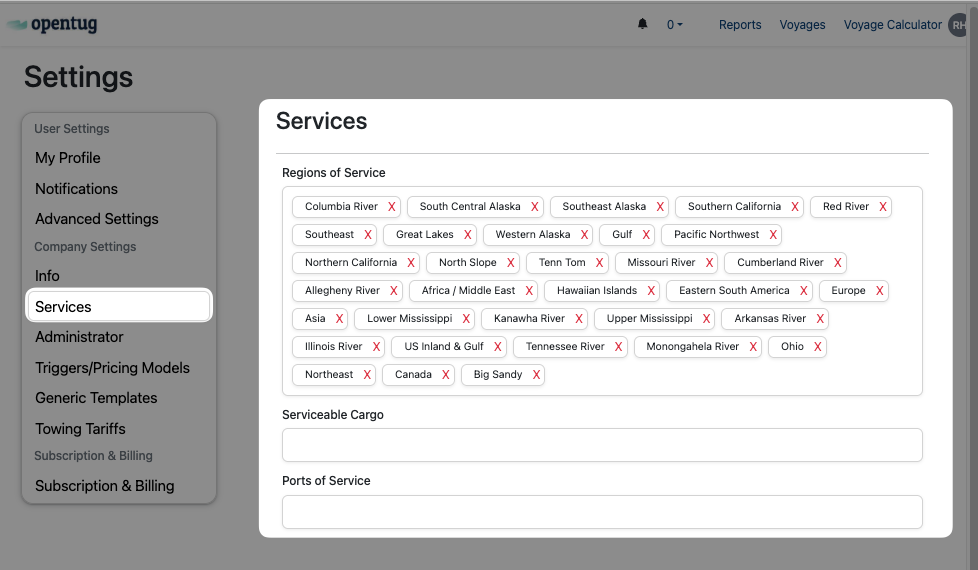
Define your company’s Regions of Service (e.g., Columbia River, Gulf, Southeast, Great Lakes).
List Serviceable Cargo types.
Add Ports of Service for operational coverage.
Administrator
Team Members
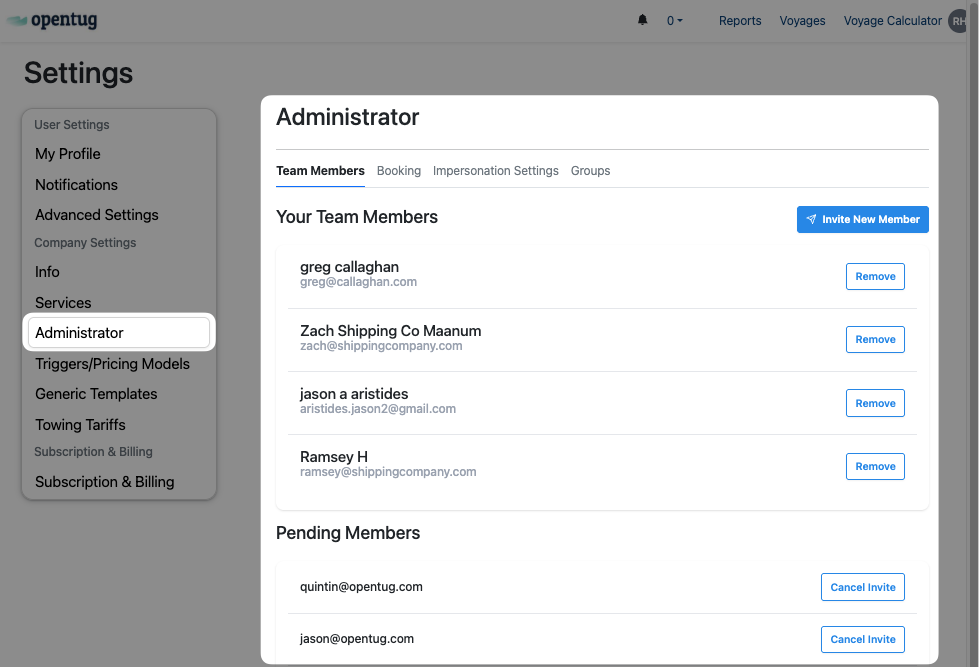
View all active team members with their registered email addresses.
Invite new members using the “Invite New Member” button.
Remove existing members when access is no longer required.
Manage pending invitations, including canceling invites.
Booking
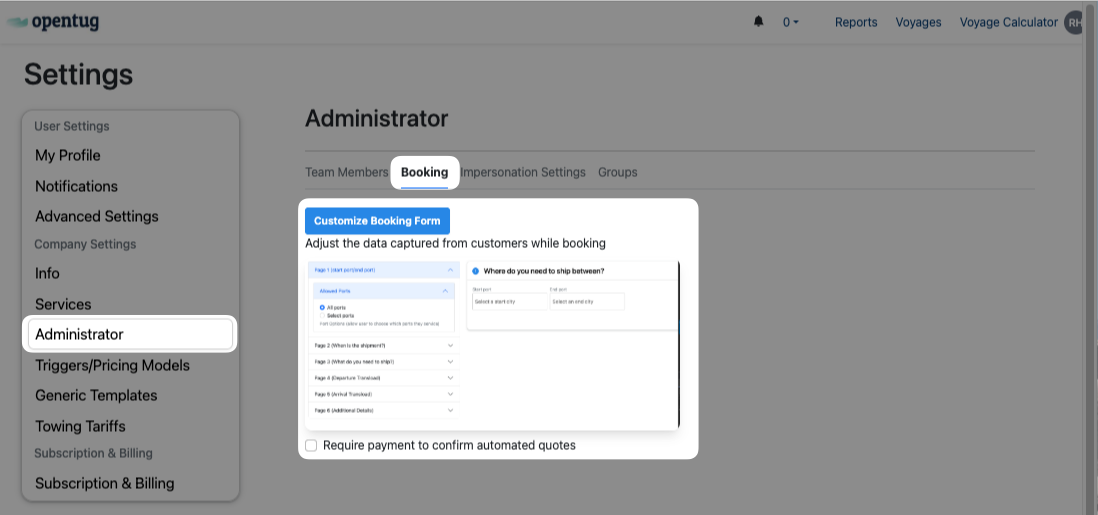
Customize the customer booking form to control which data fields are required.
Configure allowed ports, shipment details, transit information, and additional required fields.
Option to require payment confirmation for automated quotes.
Groups
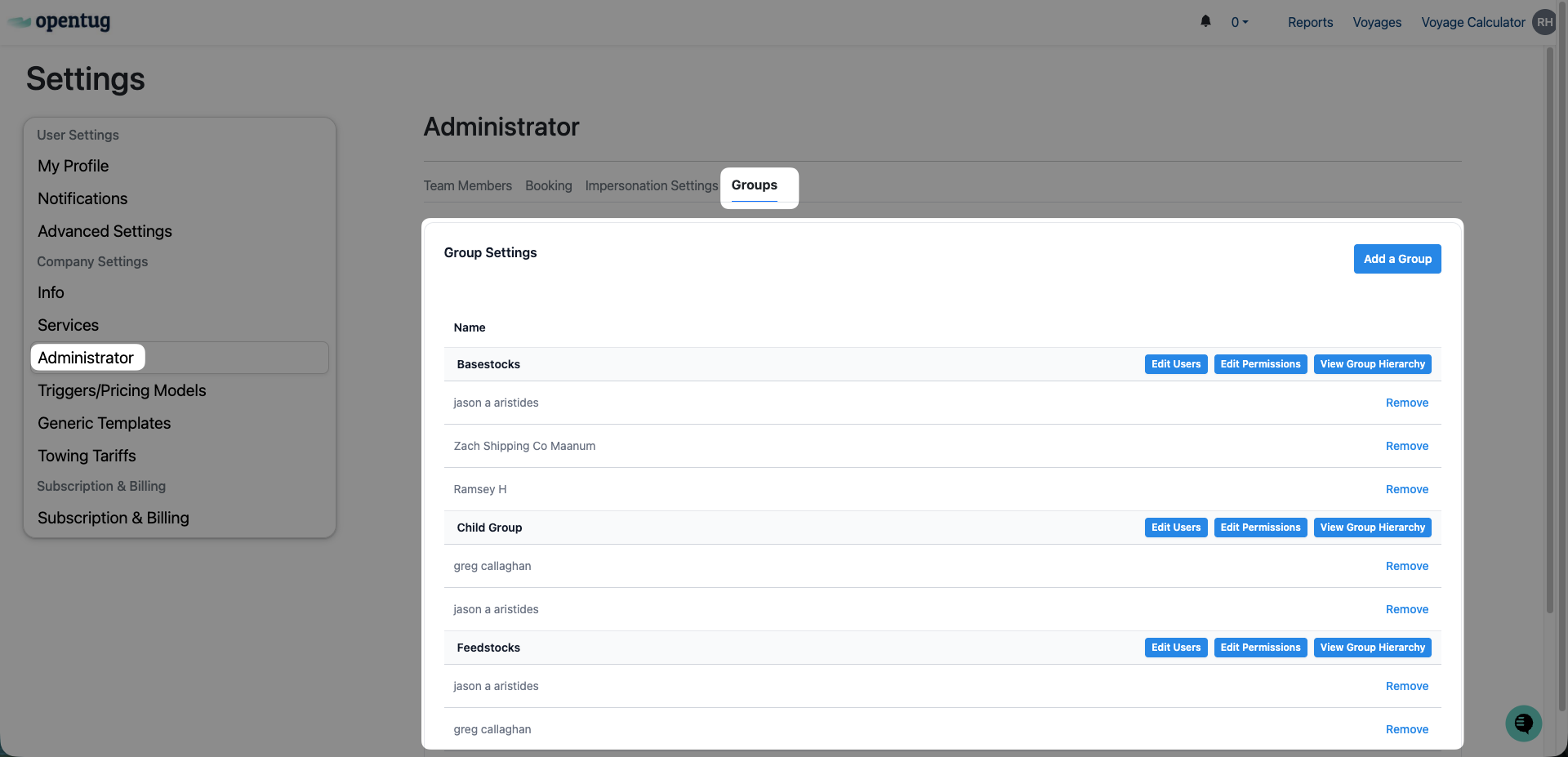
Organize users into groups for easier management.
Groups can represent business units, customer teams, or cargo types.
Features include:
Edit Users: add or remove members from a group.
Edit Permissions: assign group-level permissions.
View Group Hierarchy: visualize parent/child group relationships.
Add a Group: create new organizational groups.
Triggers / Pricing Models
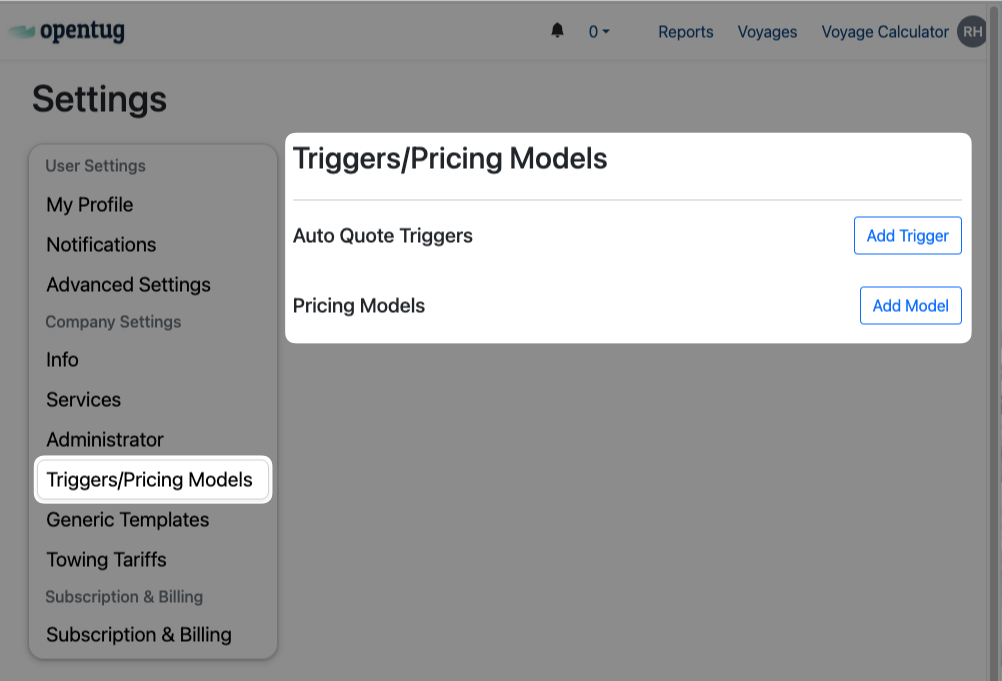
Configure automation rules (e.g., demurrage triggers, voyage milestones).
Manage pricing models for different services, including unit conversions and surcharge logic.
Generic Templates
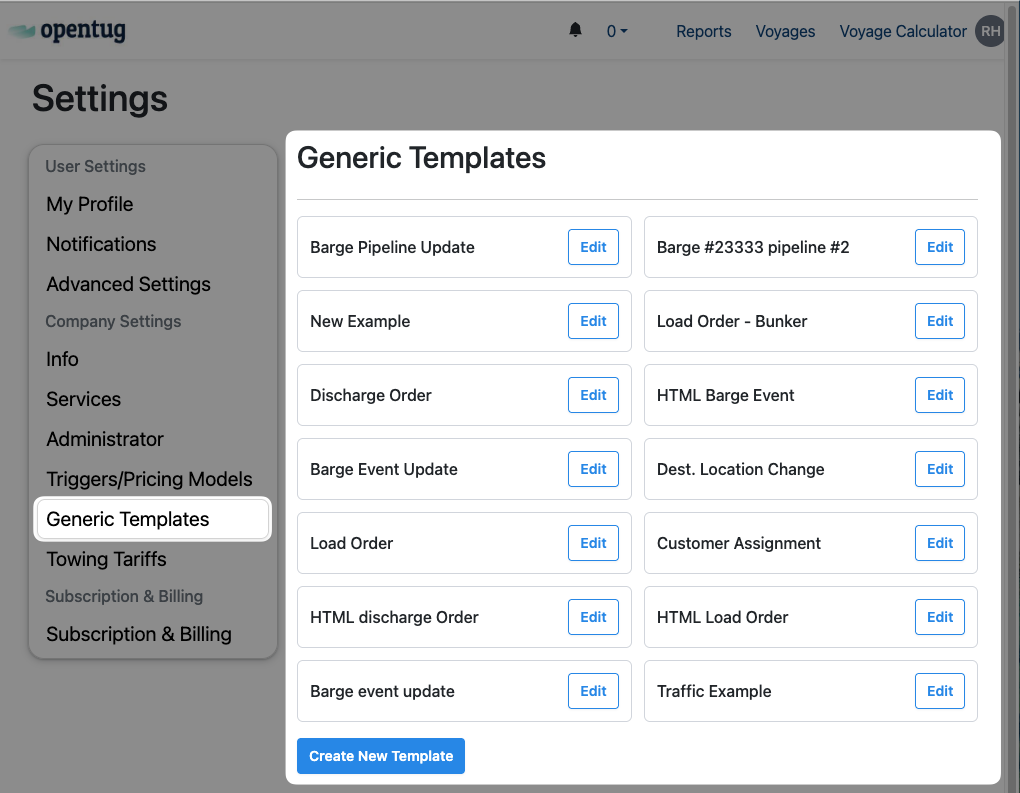
Create reusable templates for voyages, communications, and reporting.
Edit or delete templates to maintain consistency.
Example templates:
Voyage order forms.
Barge event updates.
Customer Assignment formats.
Towing Tariffs
Manage existing towing tariffs created from Voyage Planning or create new ones.
Define towing tariffs by customer, region, or contract type.
Configure tariff rates, rules, and applicability.