Saving a Planned Voyage
Last updated: April 23, 2025
Follow these steps to save a voyage after entering all required details.
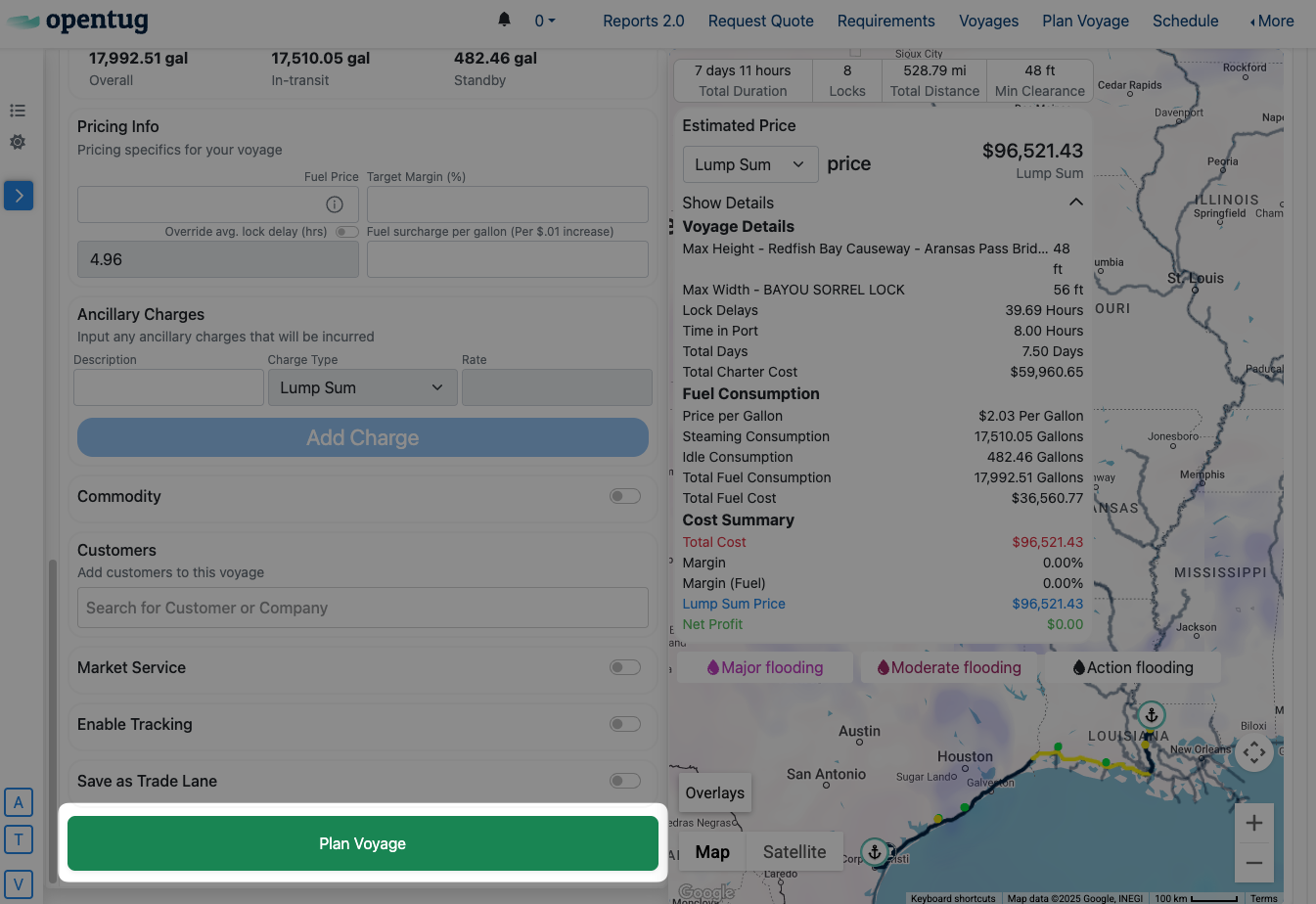
1. Click Plan Voyage
Once all voyage inputs have been filled out, scroll to the bottom of the page and click the green Plan Voyage button.
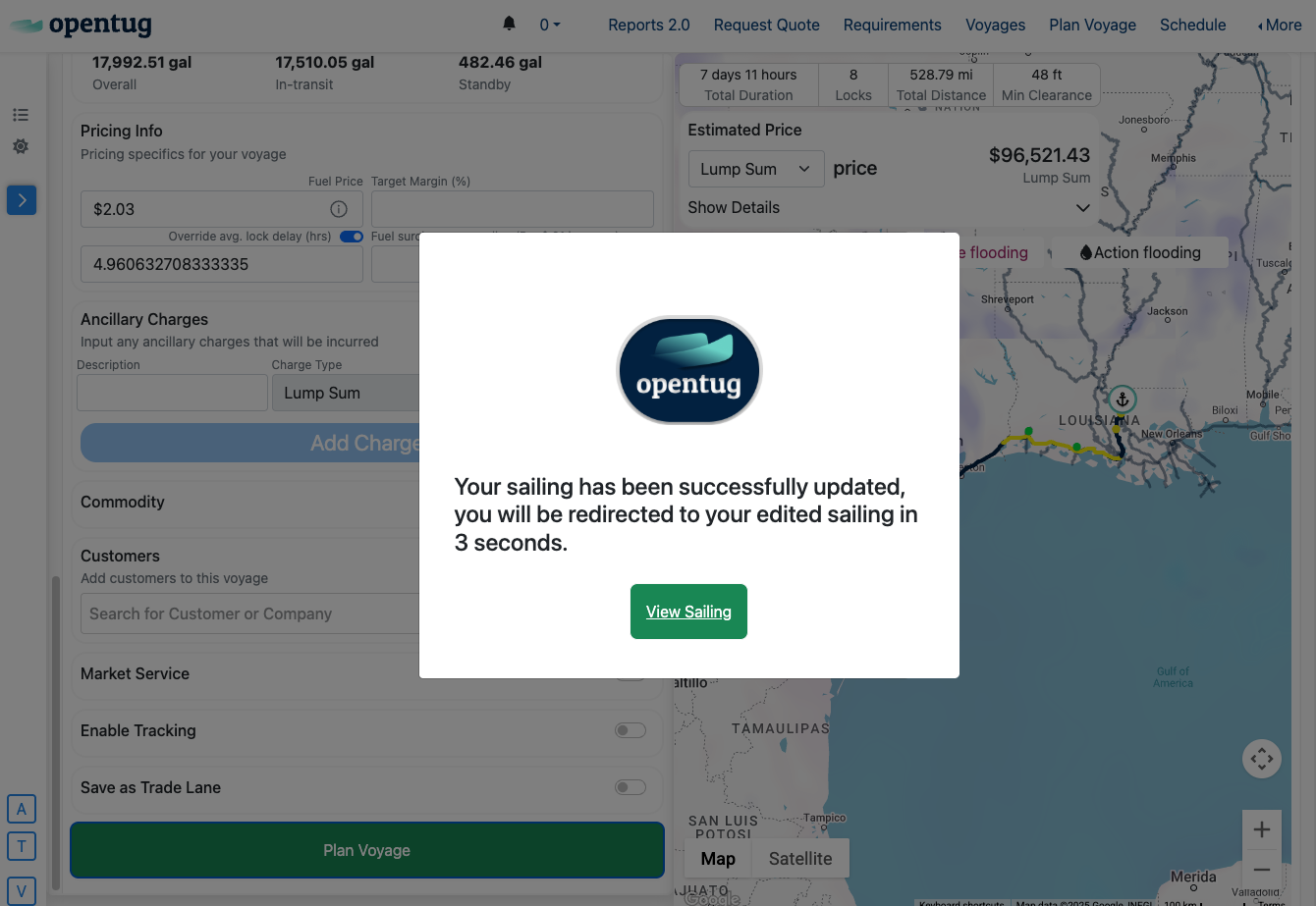
2. Click View Sailing
A pop-up will confirm the voyage was successfully updated. Click View Sailing or wait for the redirect to continue to your voyage details page
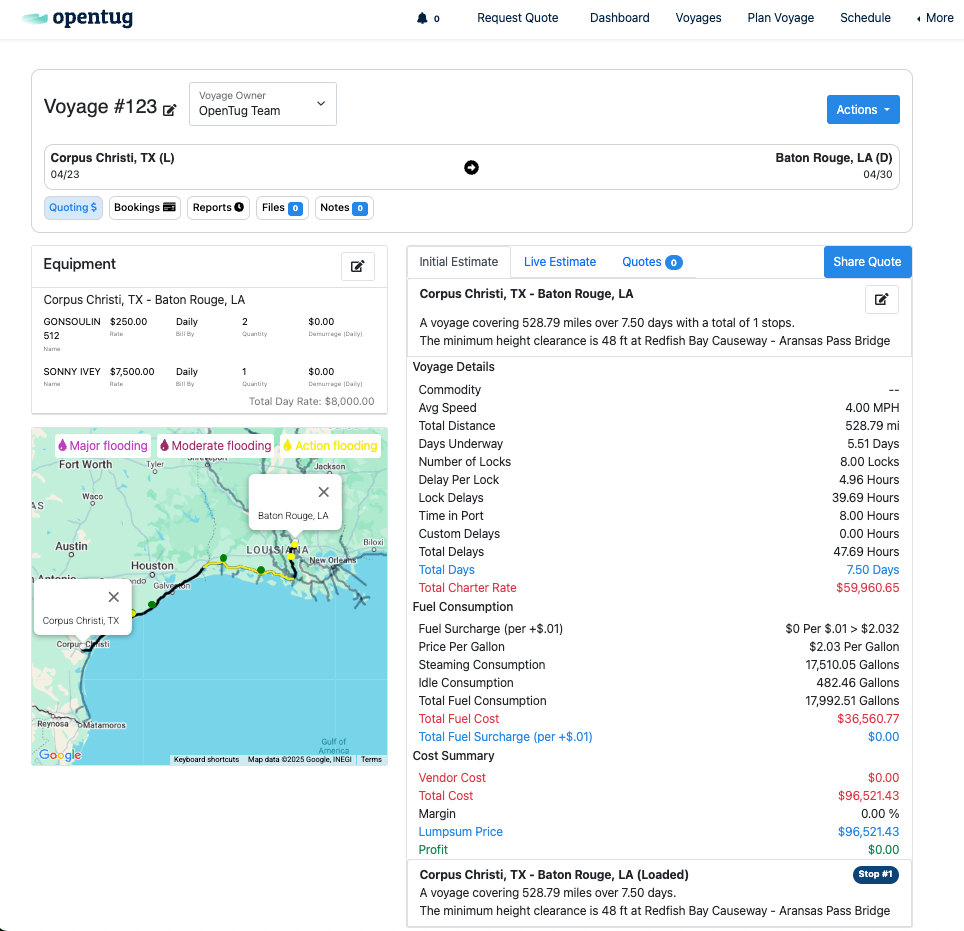
3. Review Costs & More
From the Voyage Detail screen, you can:
View the estimated voyage cost breakdown
Review equipment assignments and voyage details
For more functionality, please see the Voyage Details Overview