Update a destination
Last updated: January 2, 2026
This tutorial enables you to change a barge's destination and send the update to our counterparty.
In one action, you can record a change, update your dashboard, and send the update
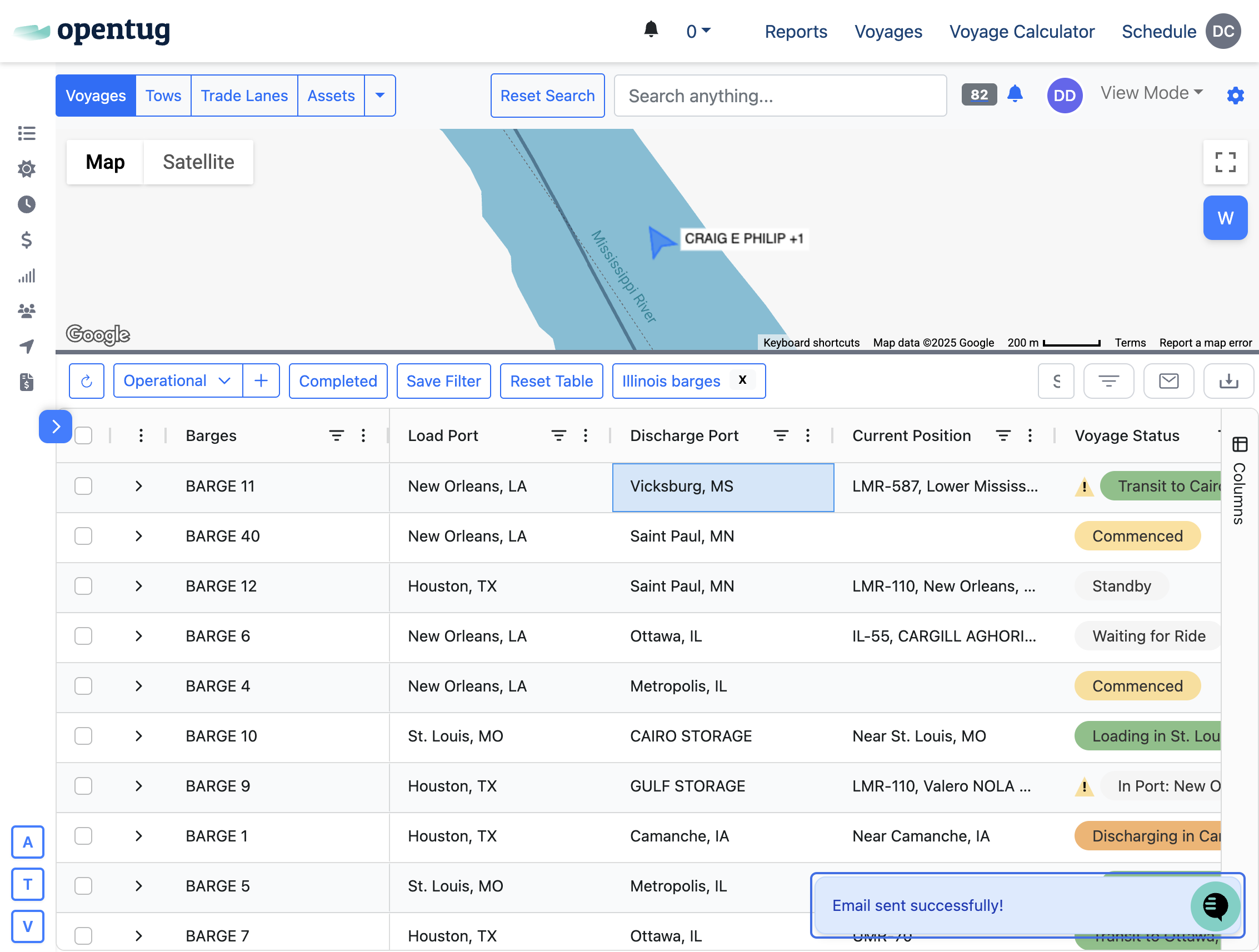
1.) Navigate to your voyage dashboard
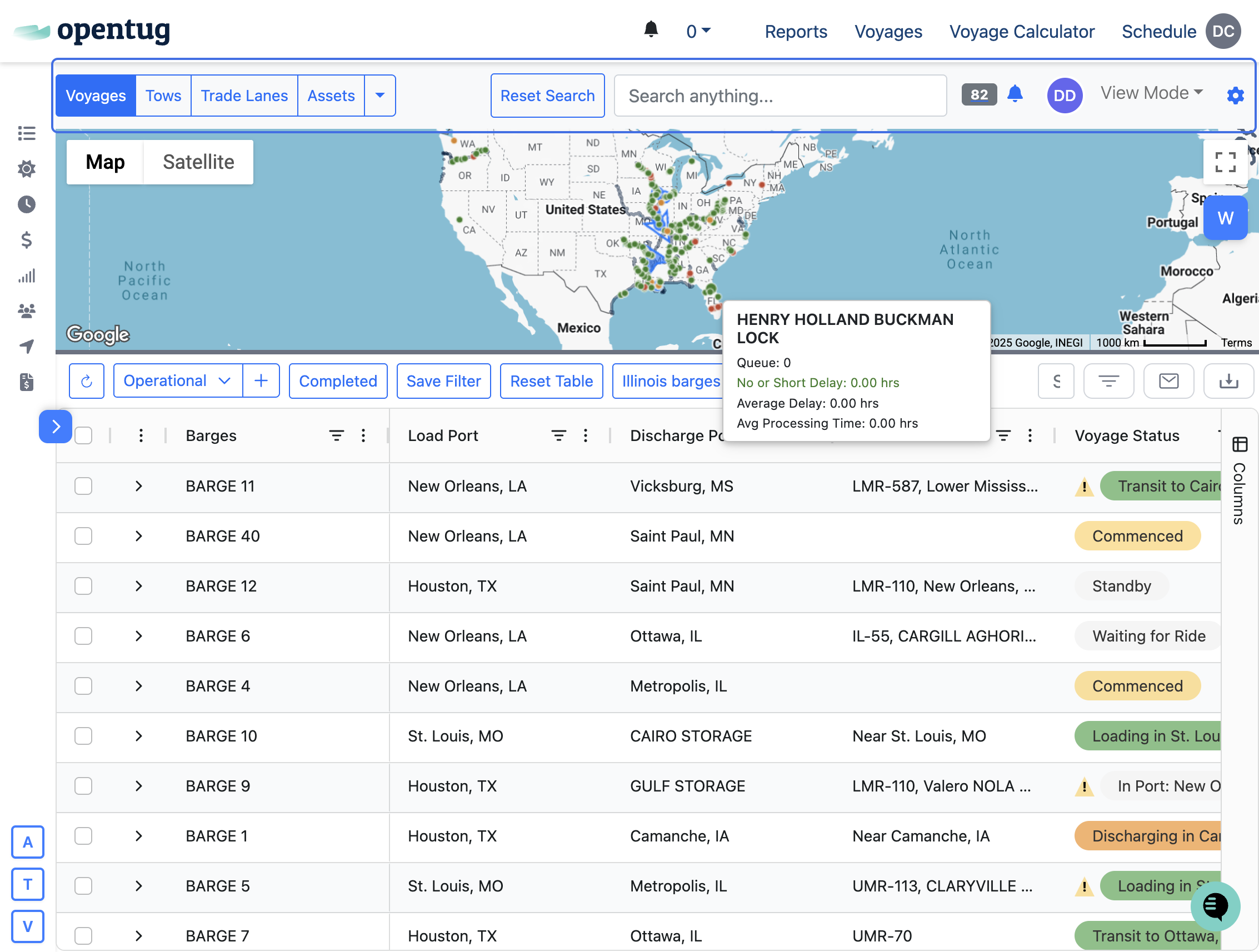
2.) Double-click on the discharge port cell of the row you wish to update
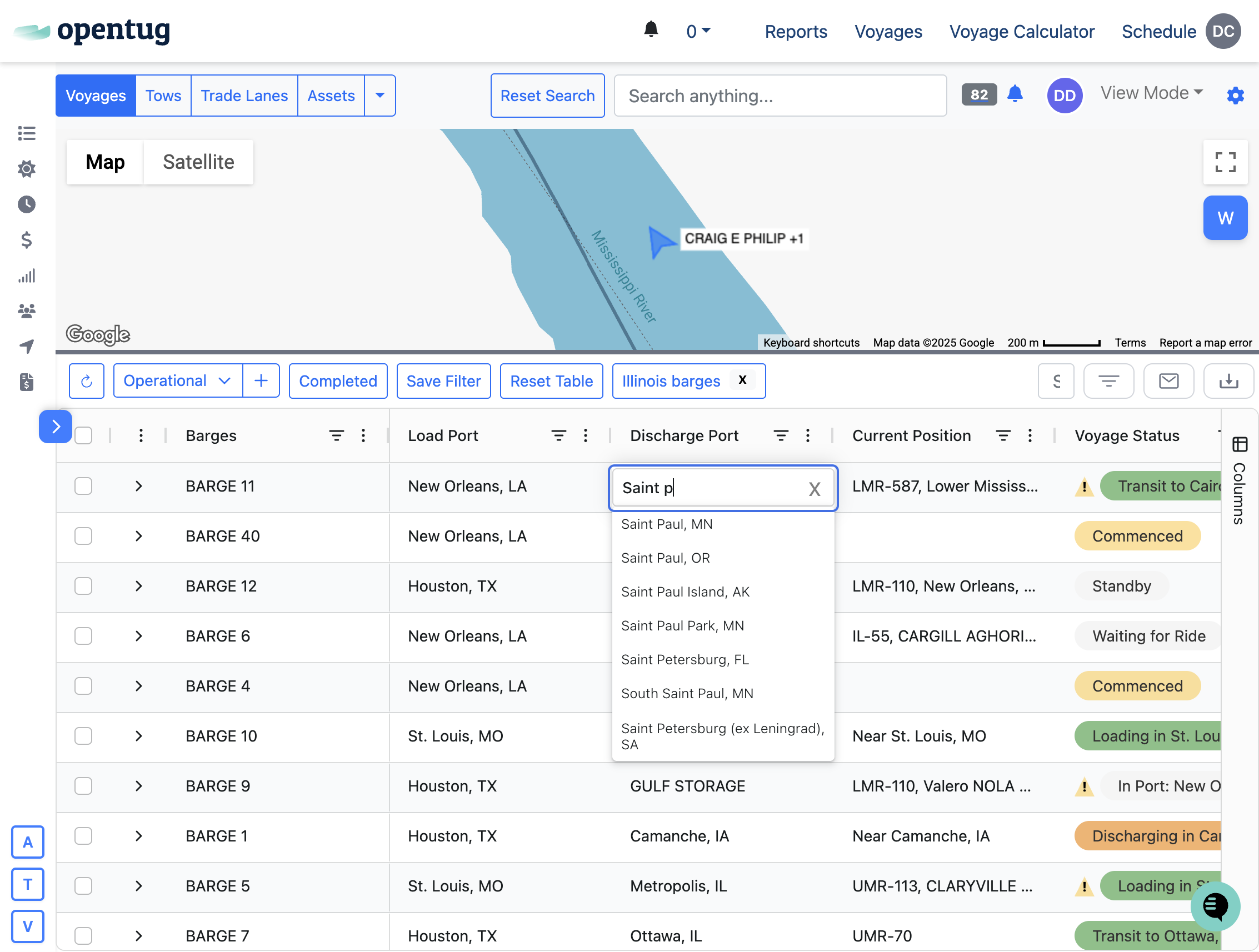
3.) Select the new port
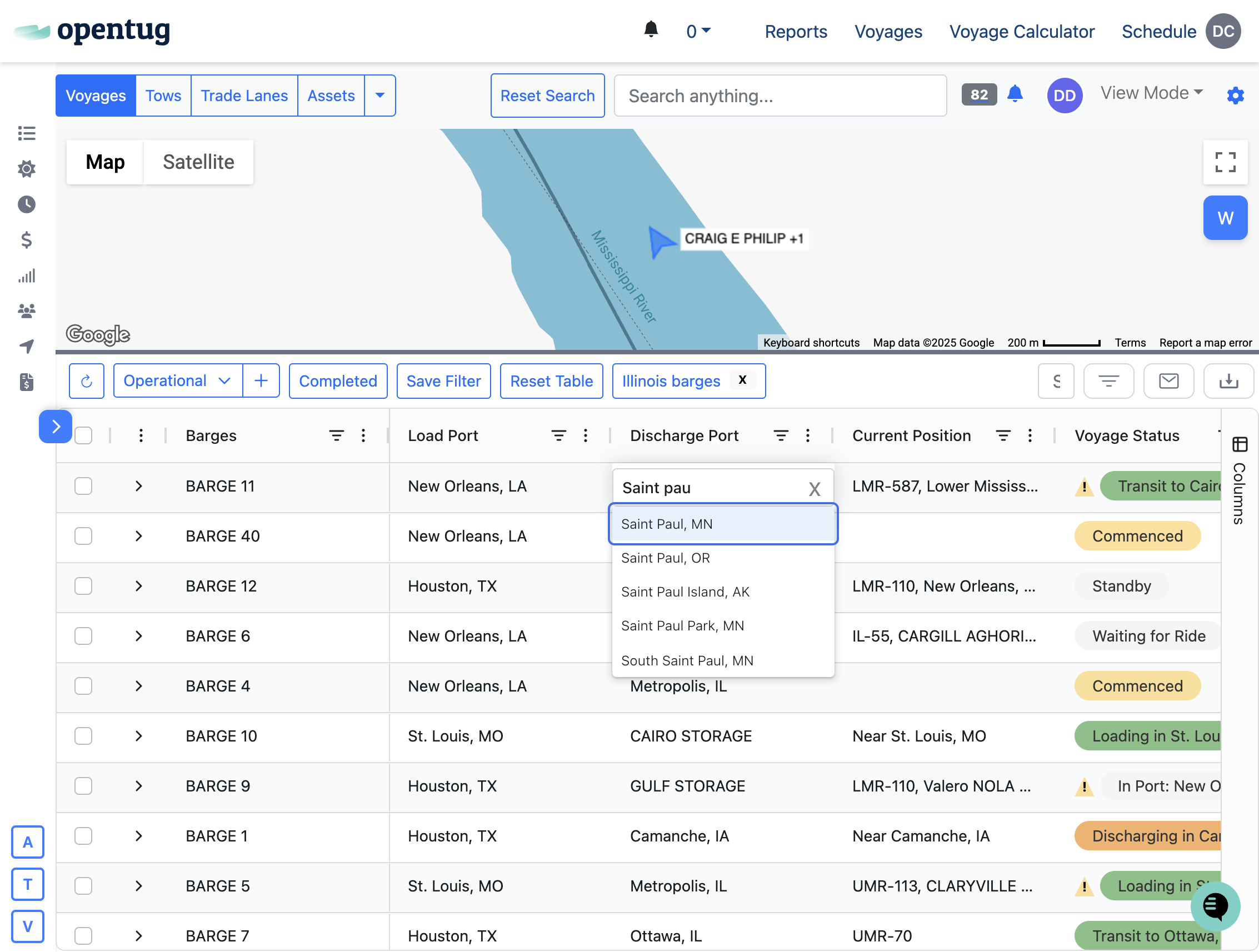
4.) Check Send notifications
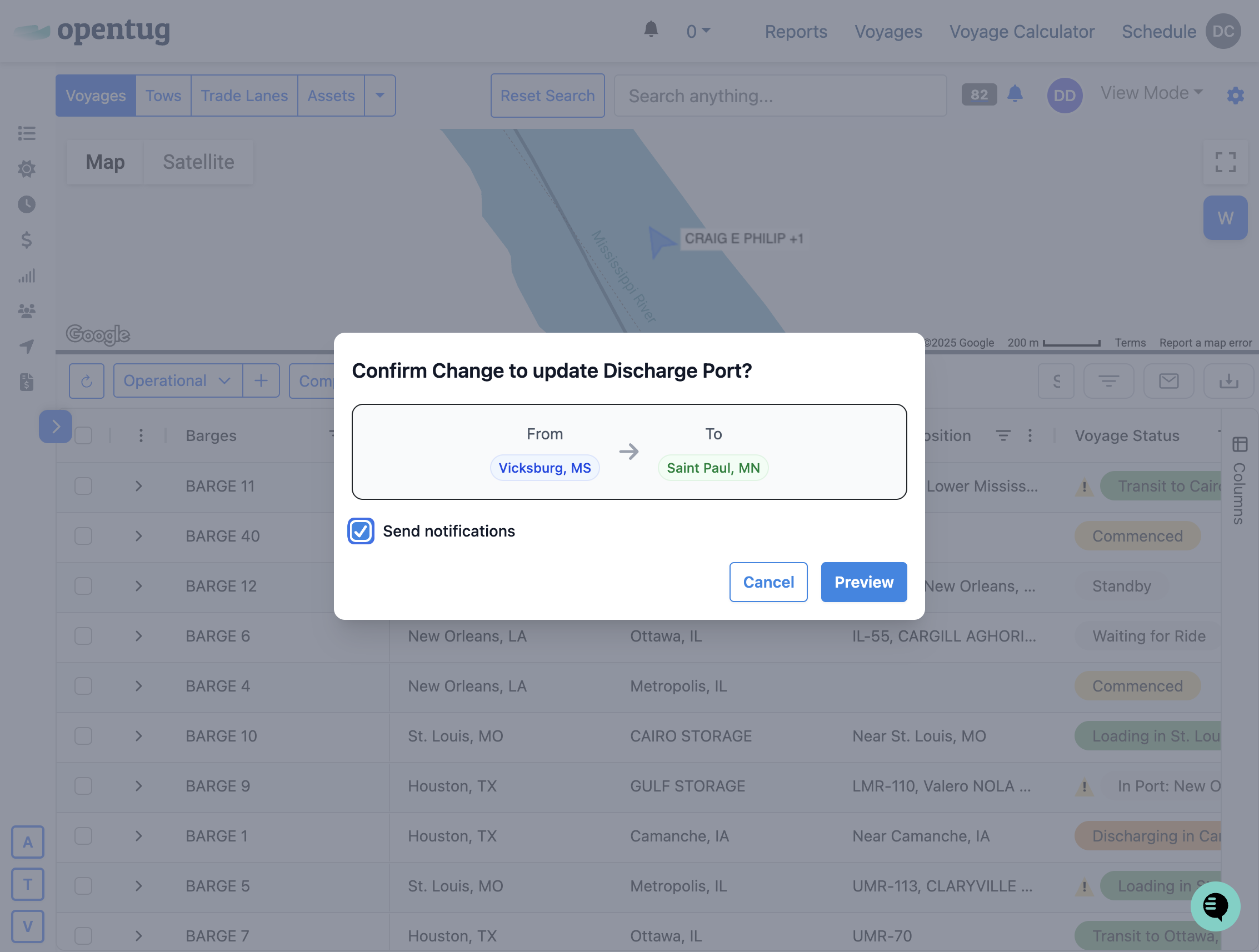
5.) Click on Preview to review the email update
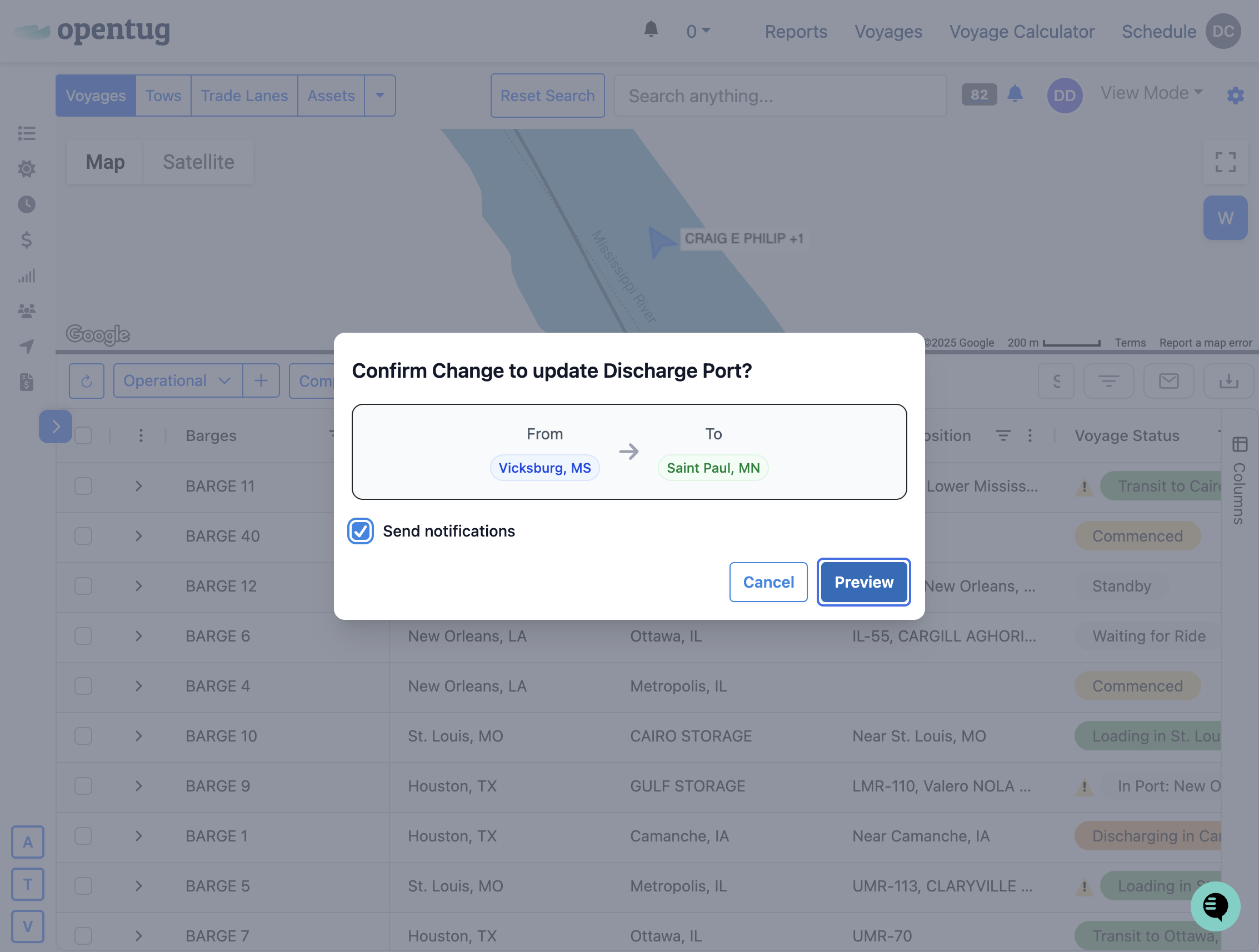
6.) Preview the email update
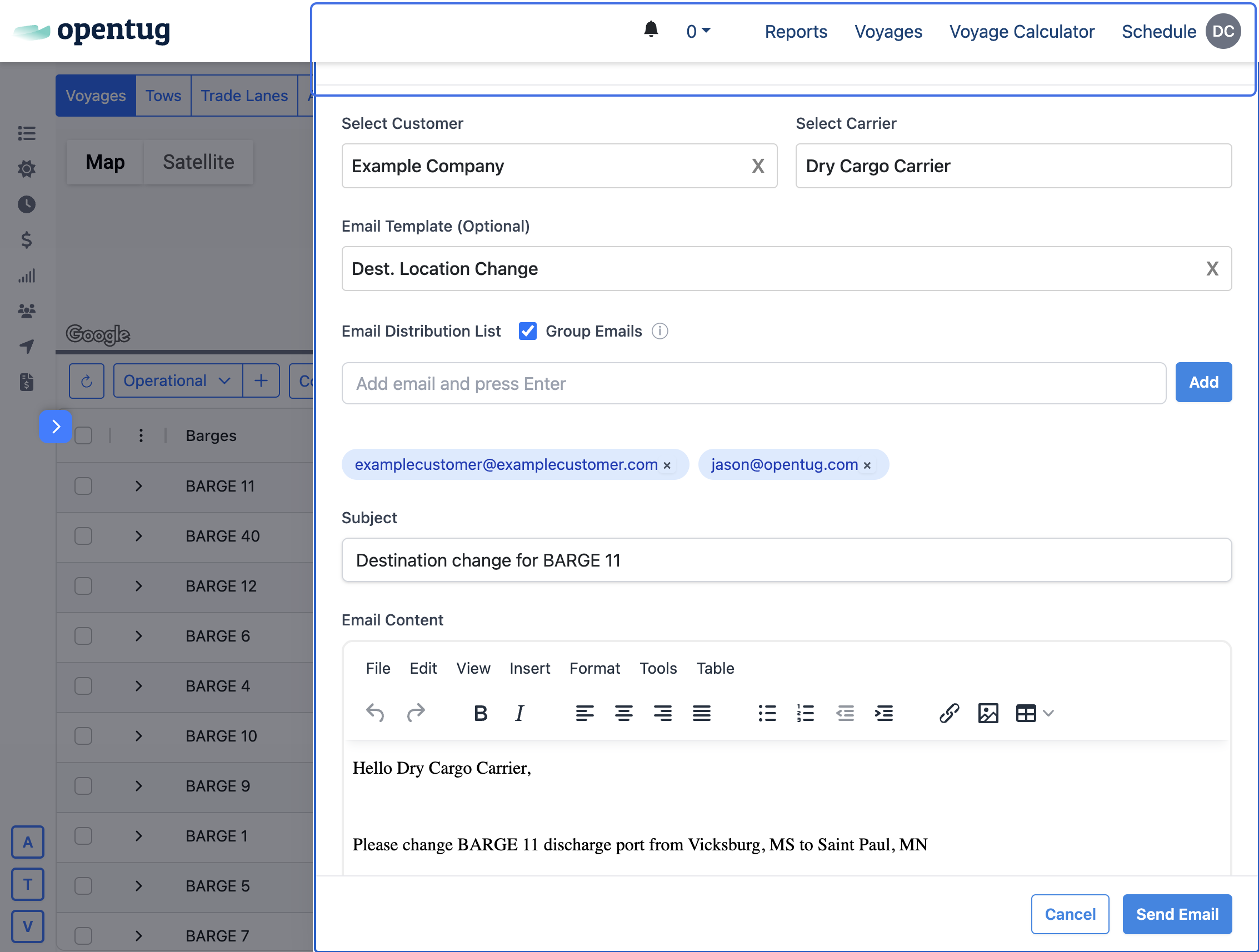
7.) Click on Send Email
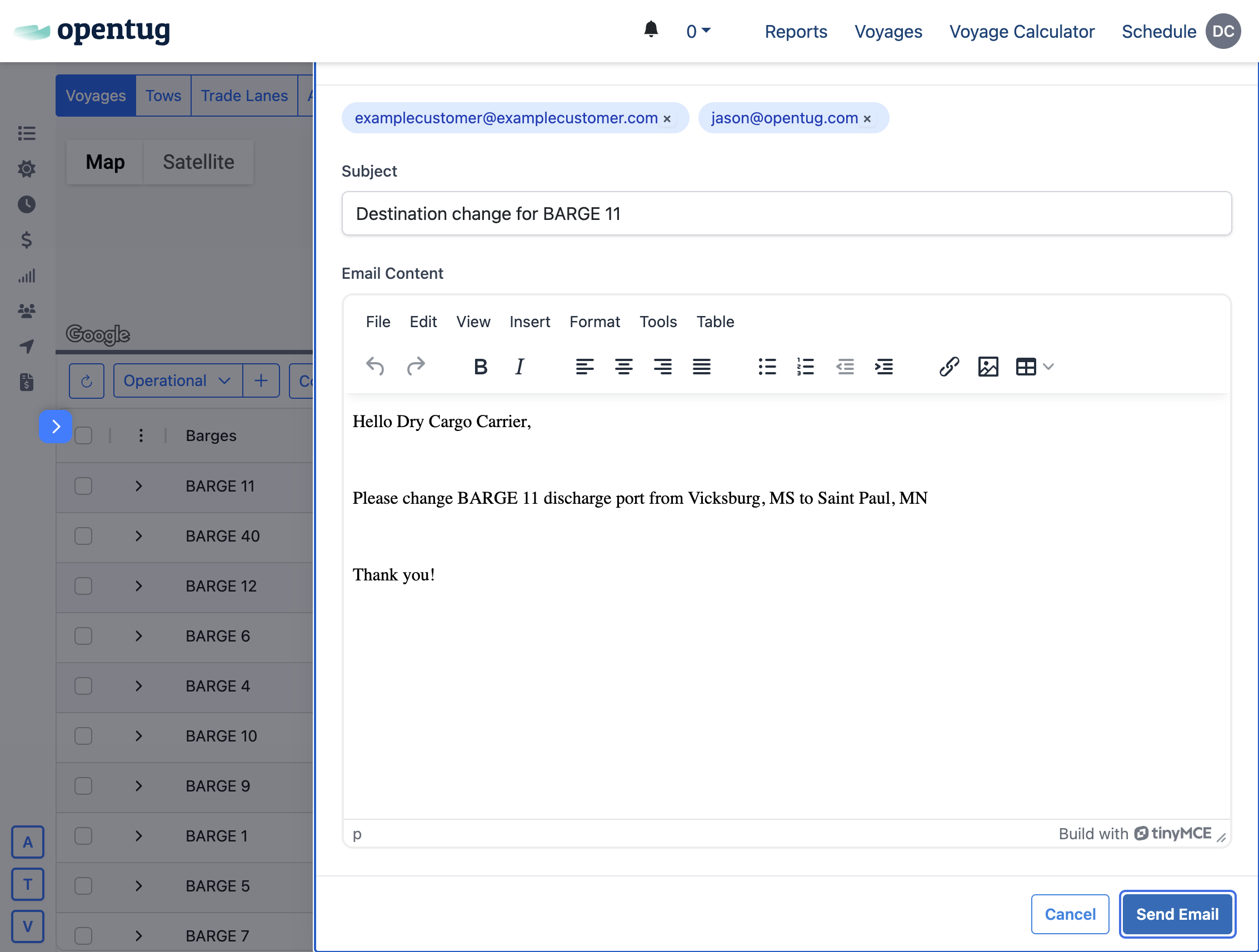
8.) Your destination has been changed, and counter parties have been updated