Send Daily Barge Updates
Last updated: January 2, 2026
This tutorial enables you to send updates to your customers about barges on your dashboard
1.) Navigate to the voyage dashboard
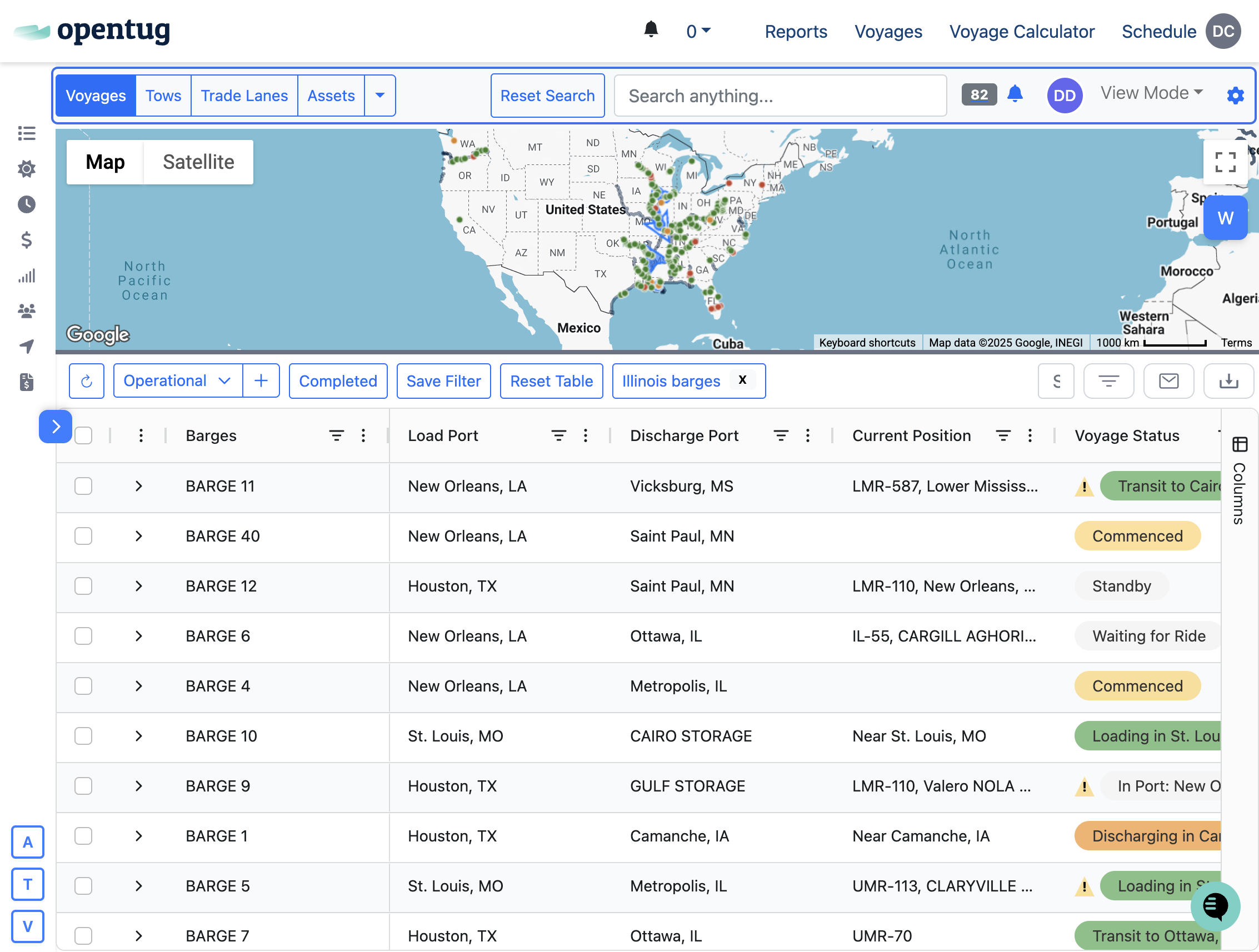
2.) Apply any needed filters prior to sending the update
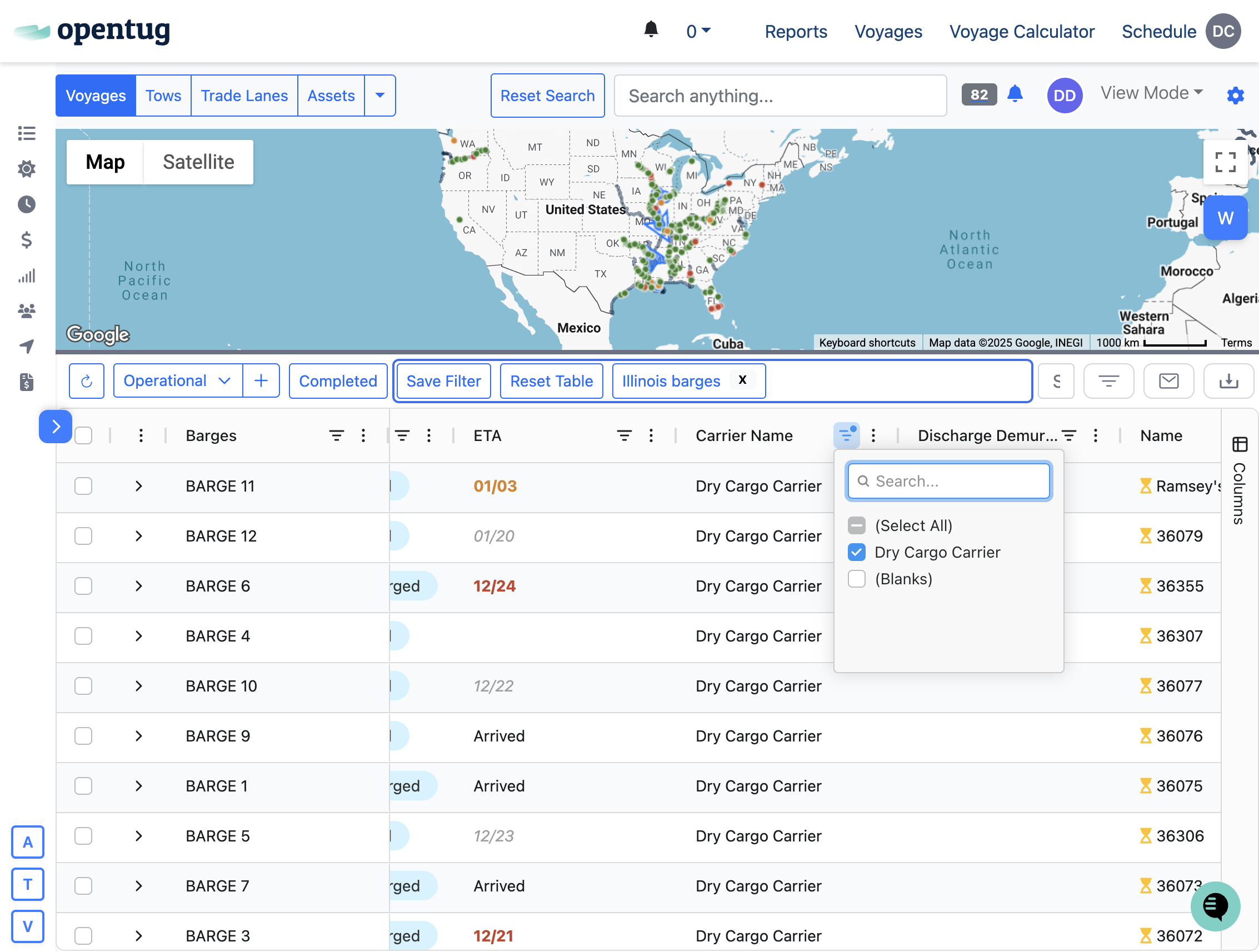
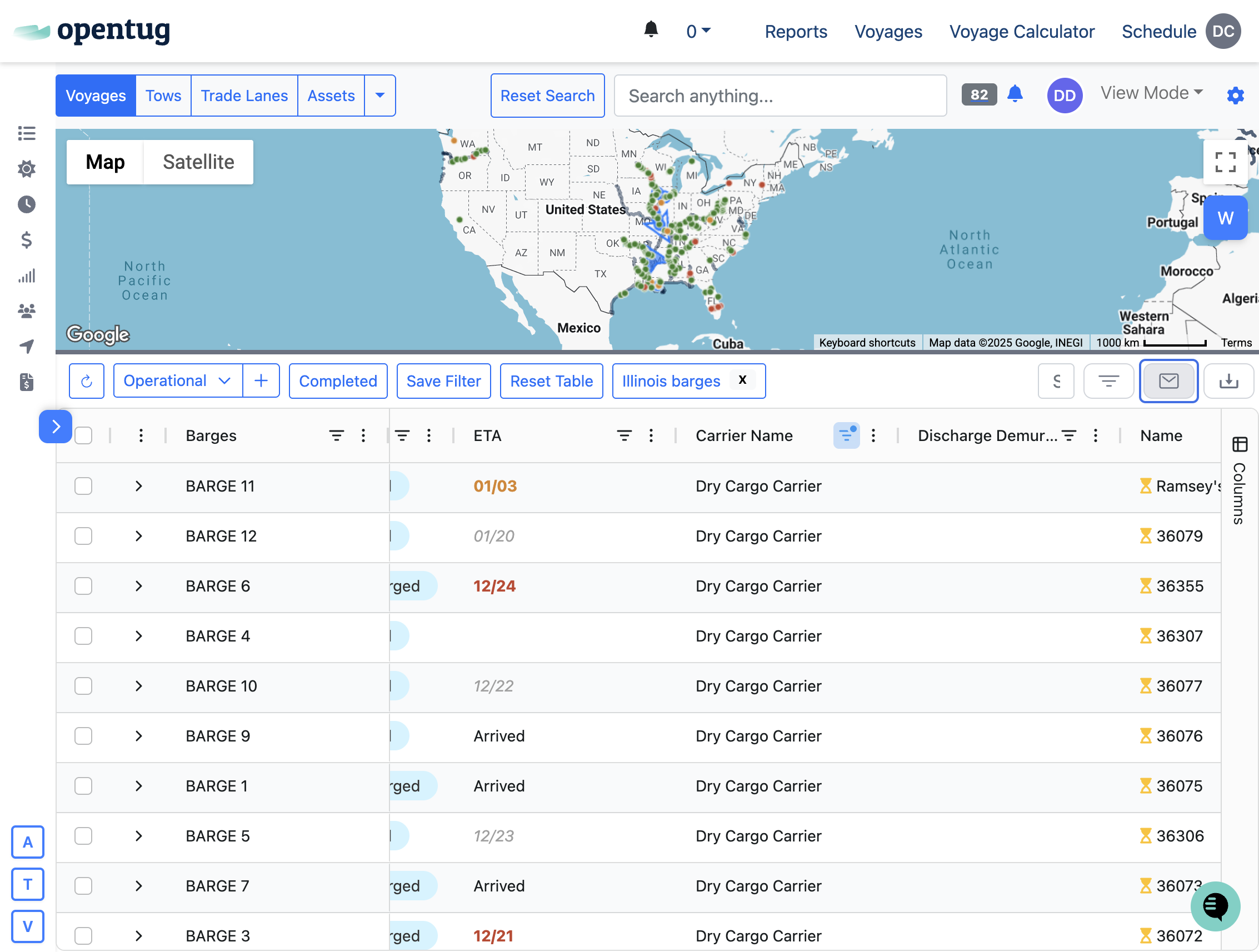
3.) Click on Send Email Update Icon
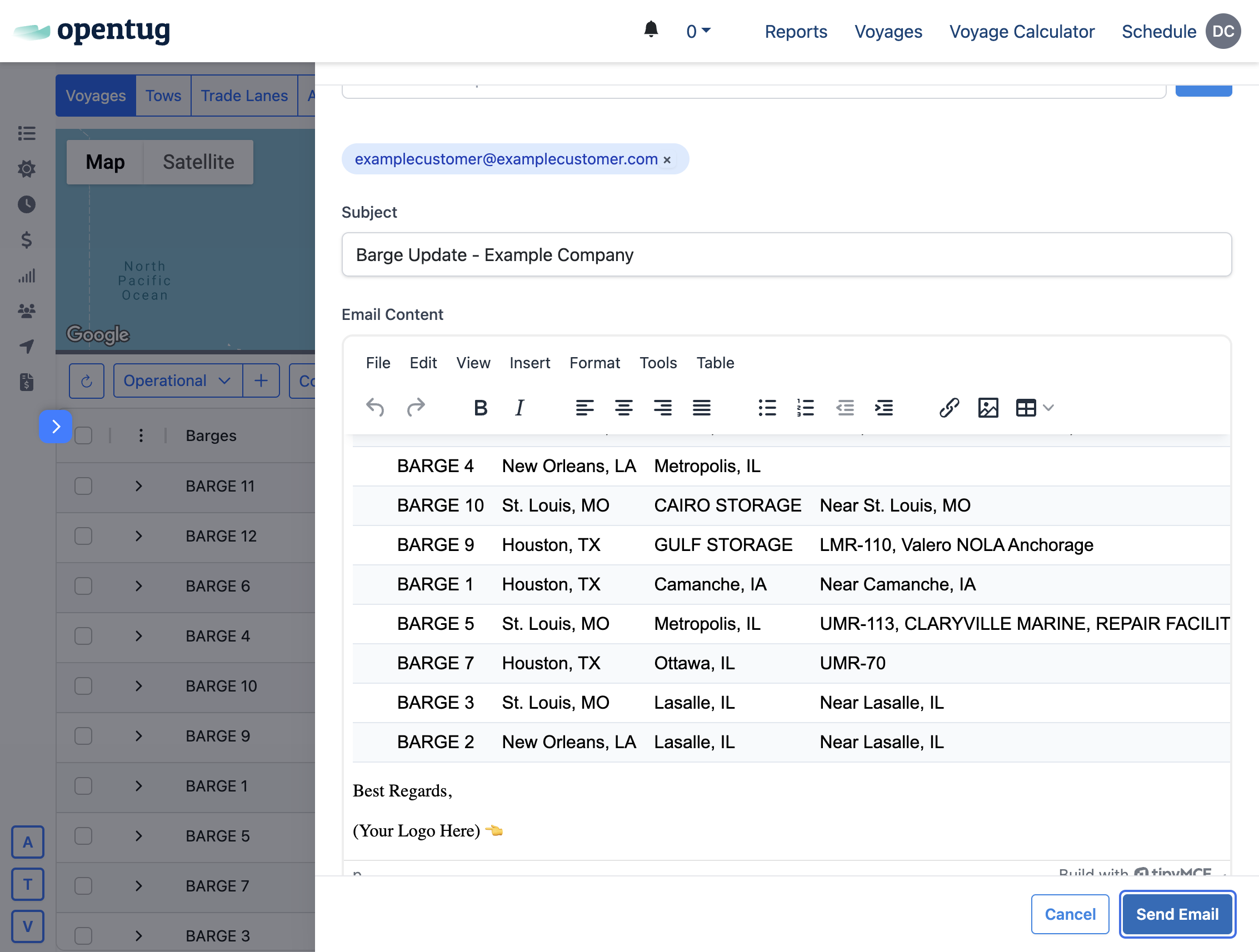
4.) Select your recipients, either customers, carriers, or manually enter emails
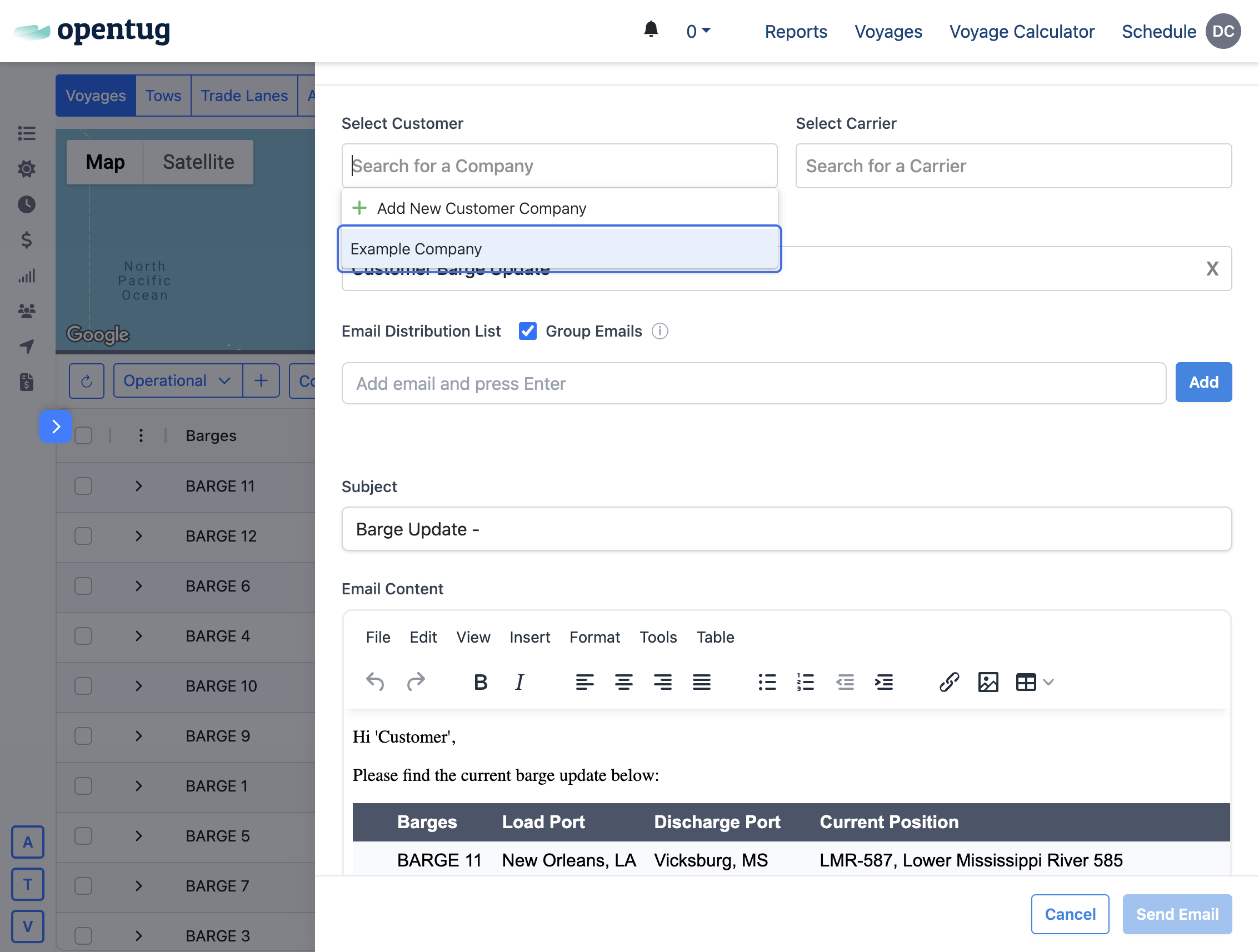
5.) Preview the email
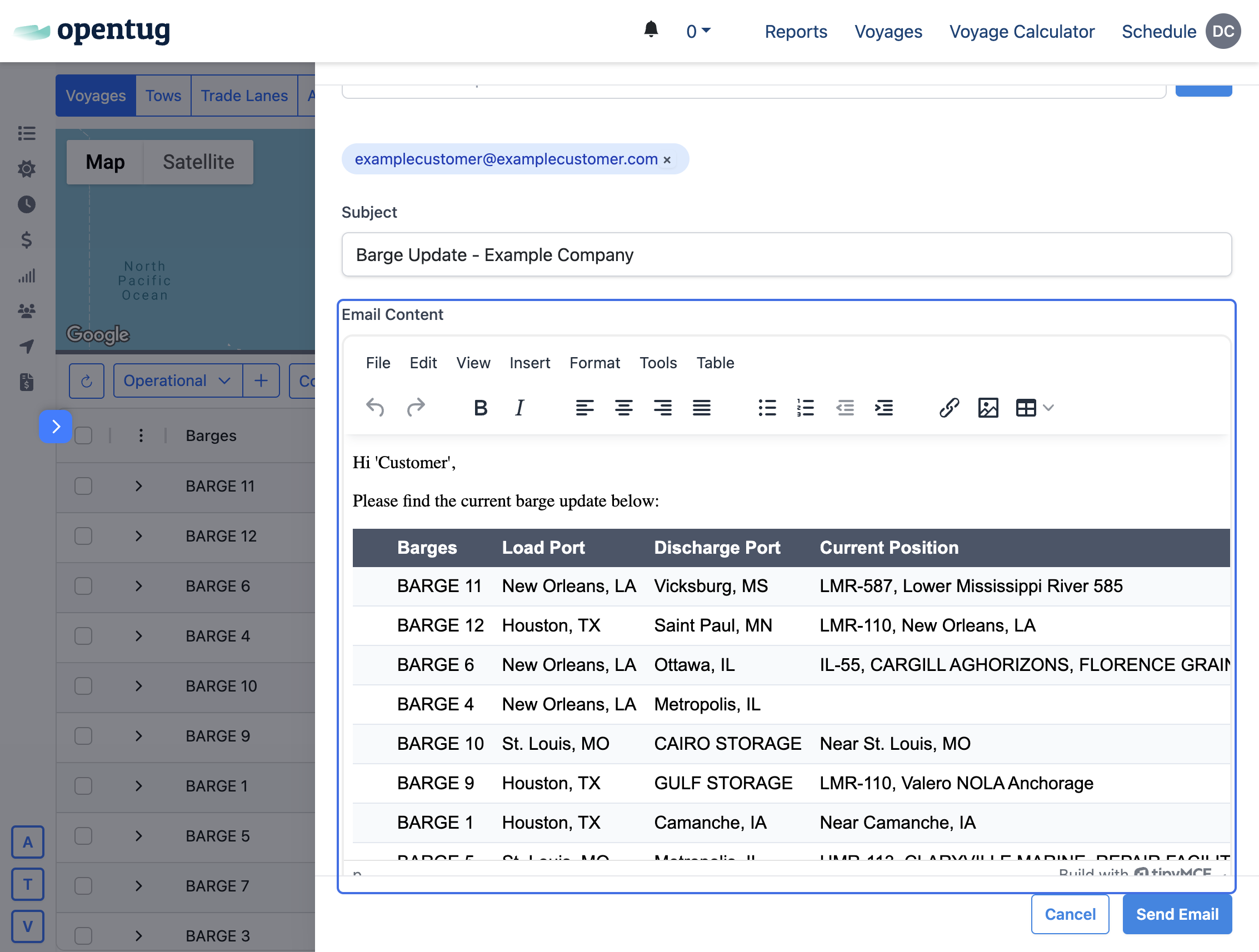
6.) Click on Send Email - Your customer has been notified