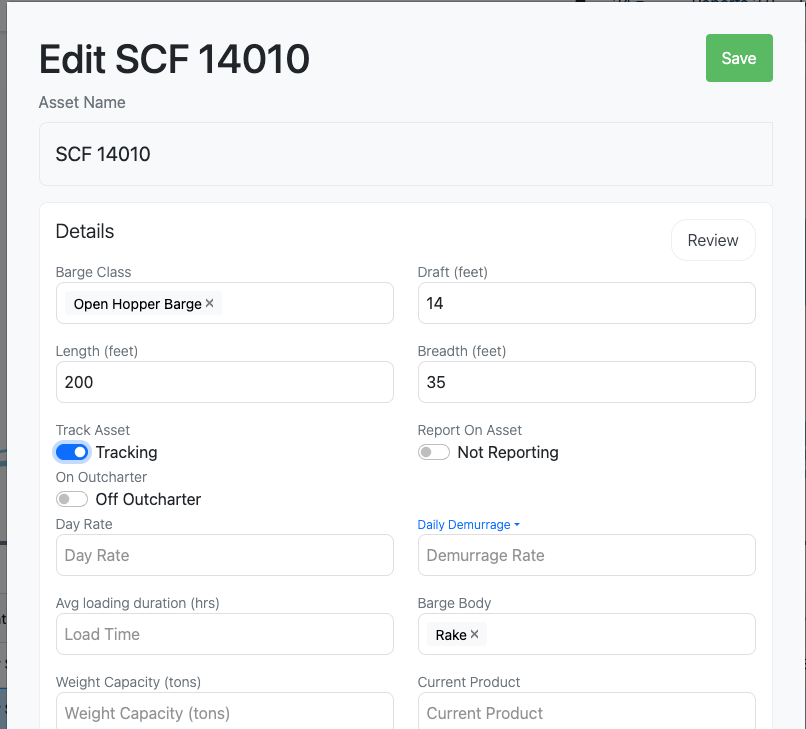
Enable Tracking on An Asset
Last updated: May 6, 2025
Enable tracking from the Voyages view to any added asset.
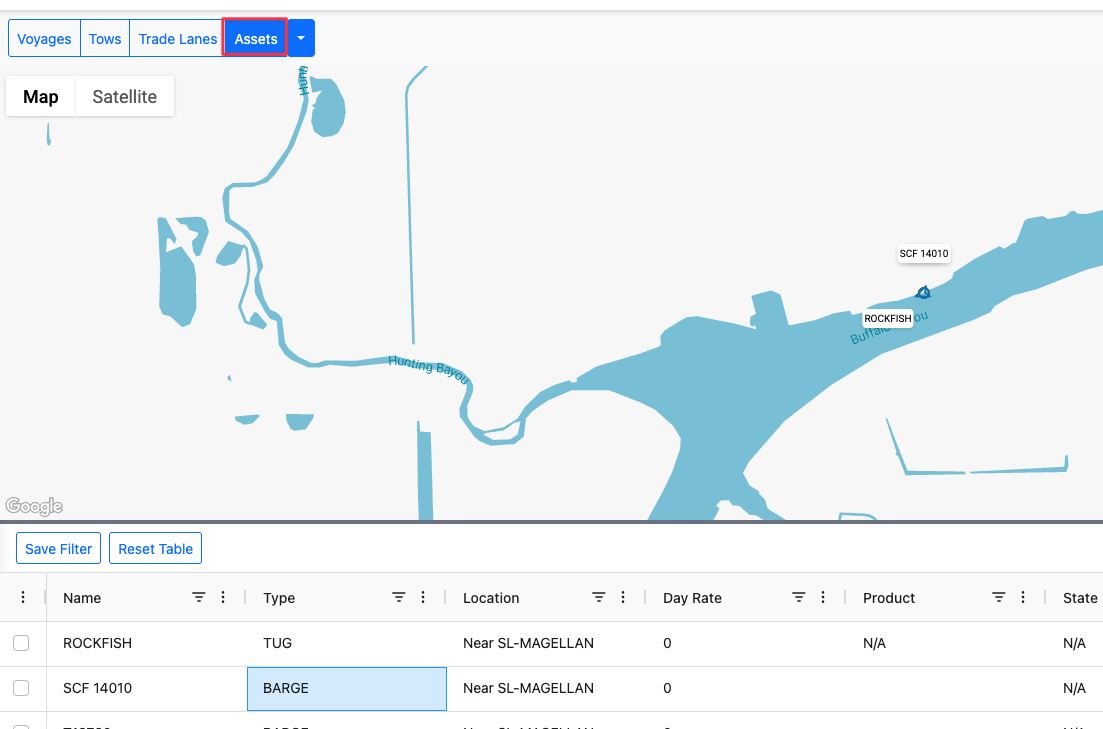
1. Navigate to Asset's tab in the voyage dashboard
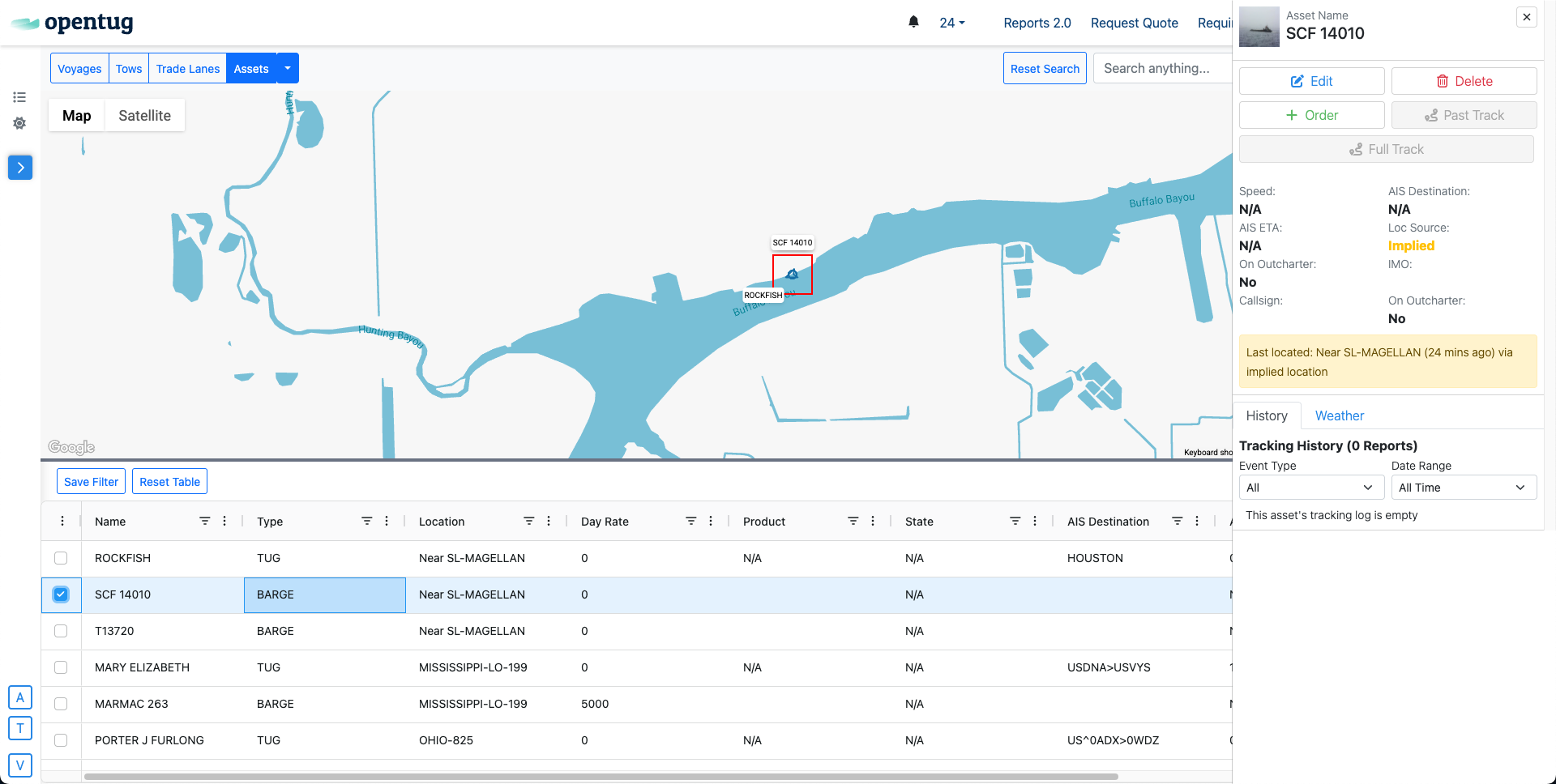
2. Choose Desired Asset
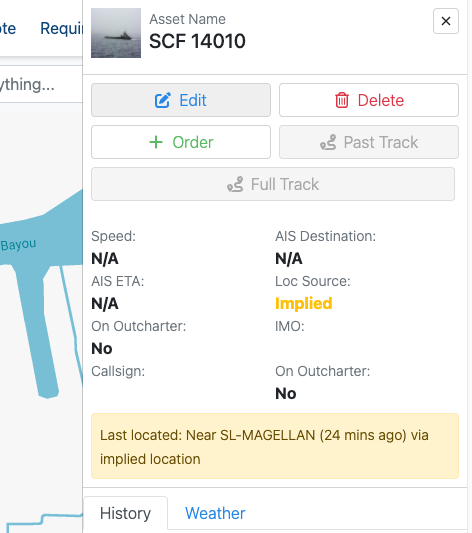
3. Click on Edit
4. Check Tracking
To enable tracking, simply toggle on tracking under the "Track Asset" field.