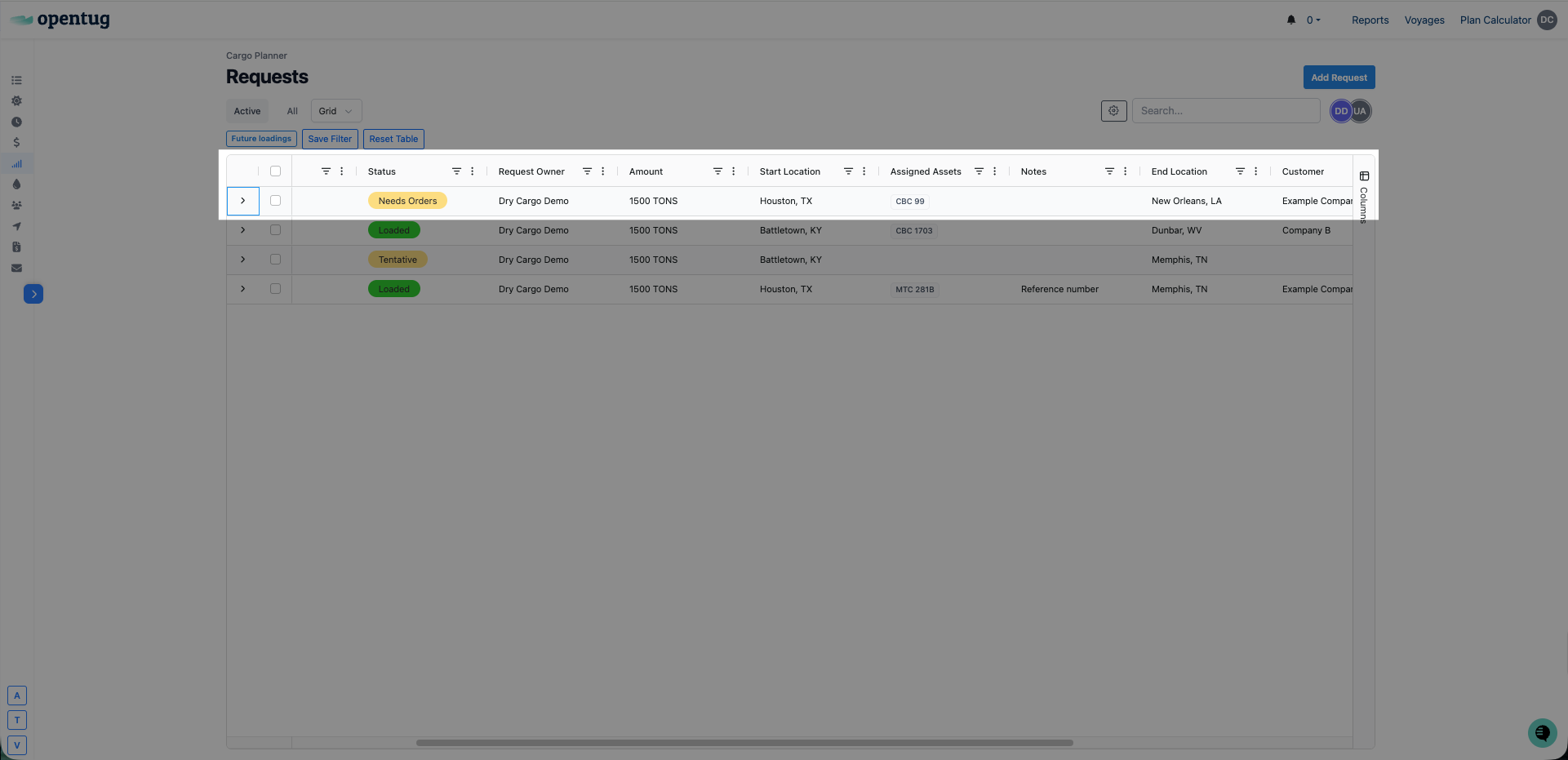
Creating a cargo request
Last updated: July 21, 2026
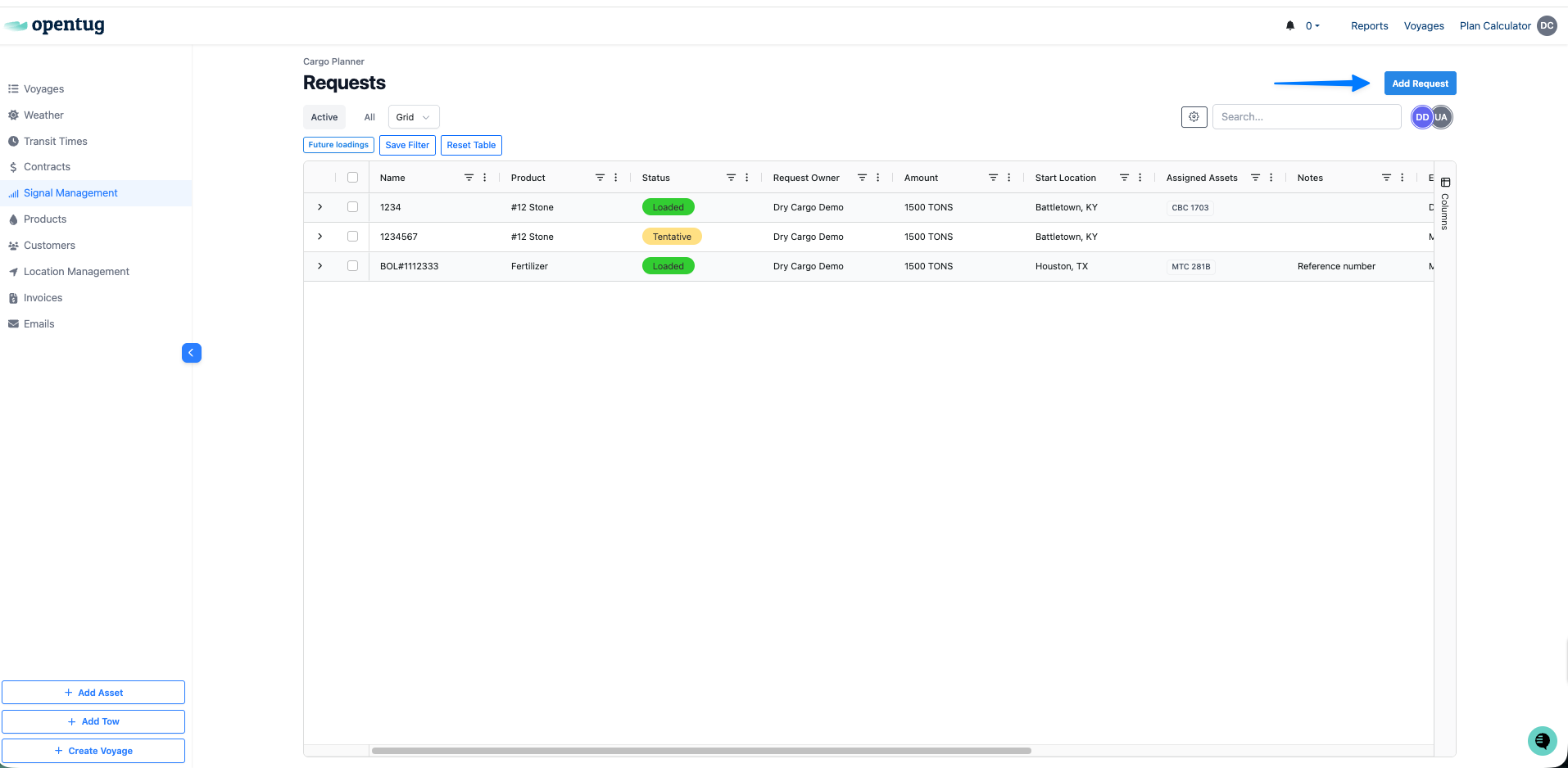
Click Add Request
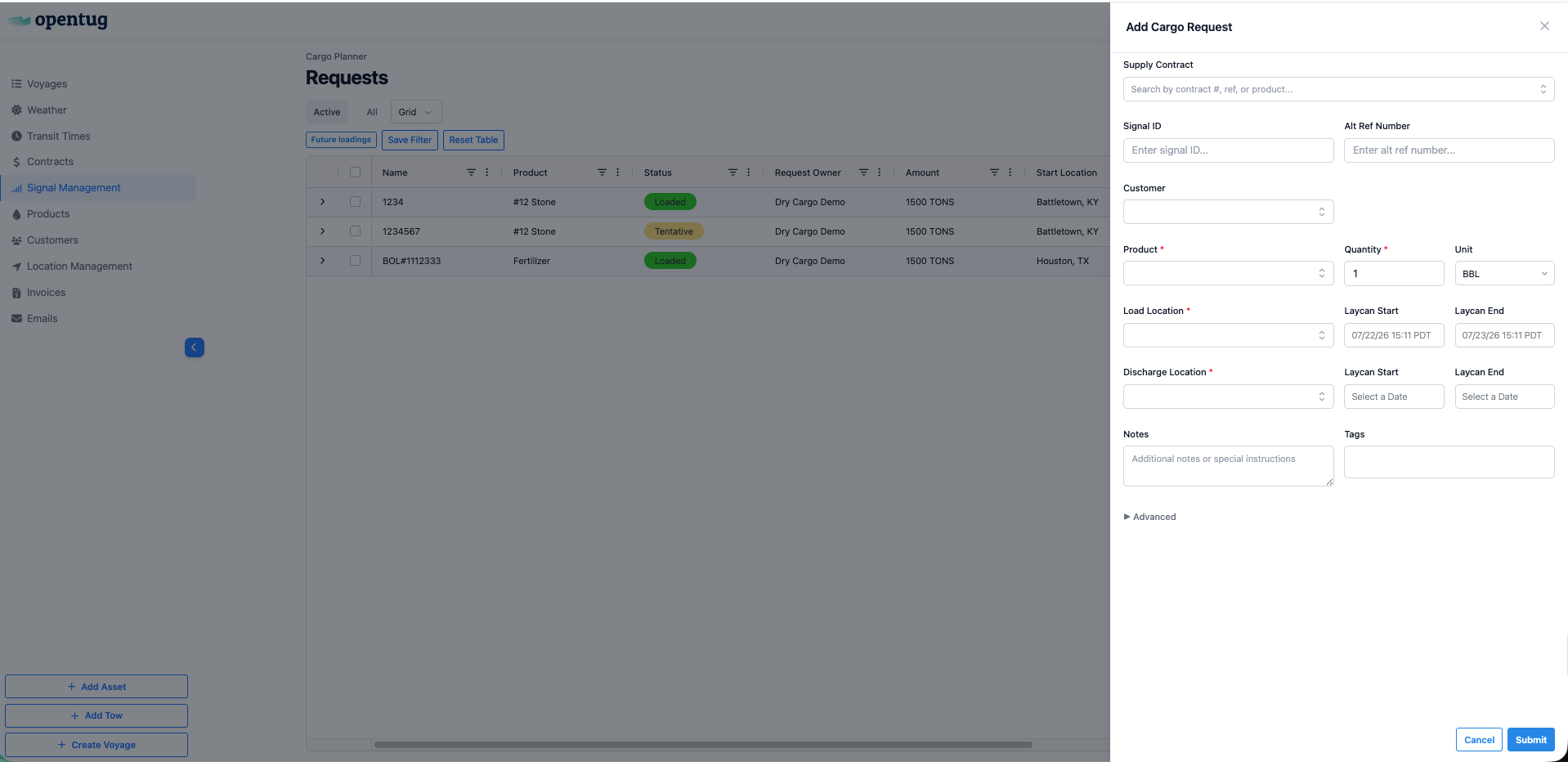
Enter the fields to create the request
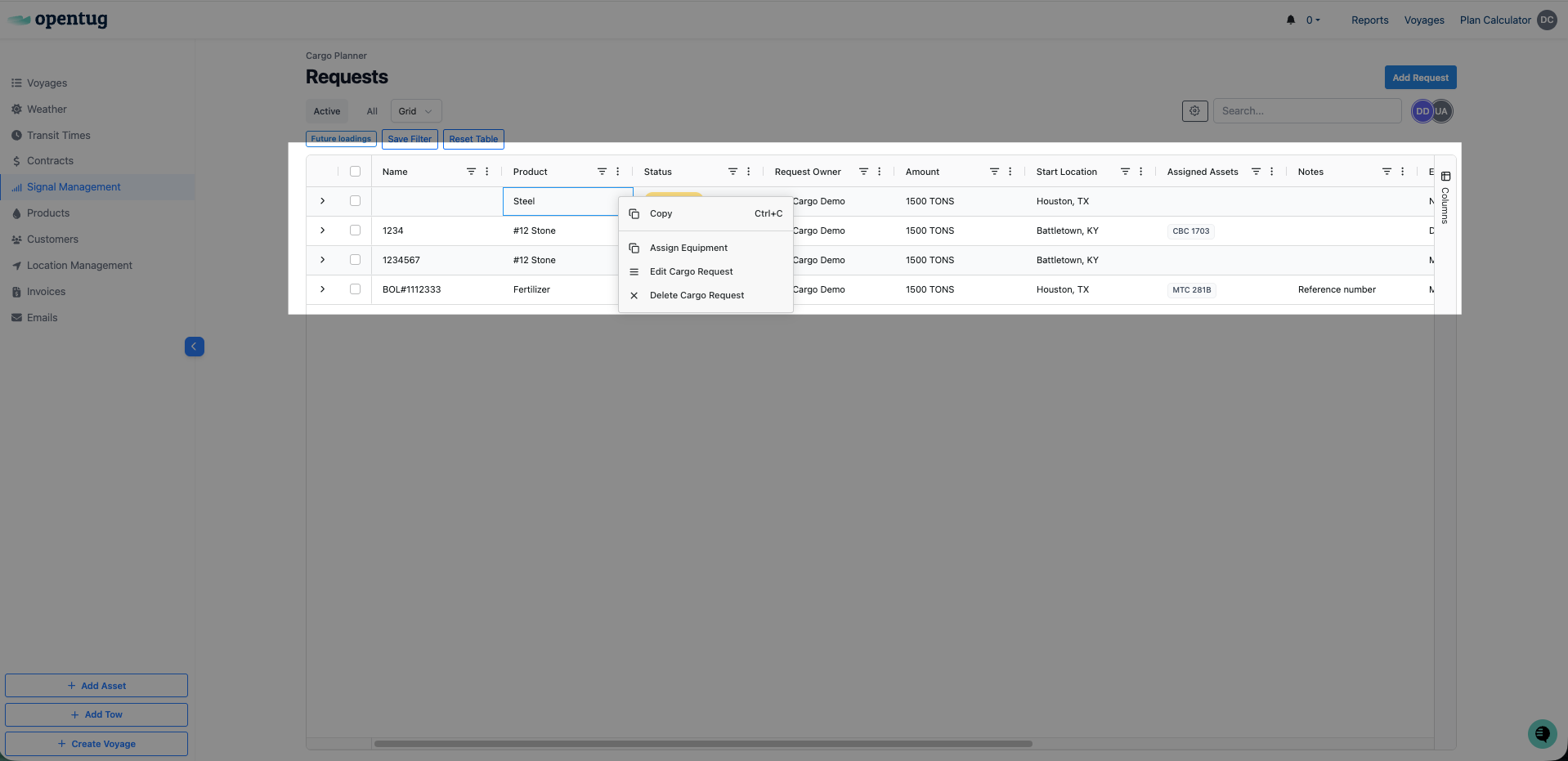
Right click to Assign Equipment, Edit Cargo Request, or Delete Cargo Request
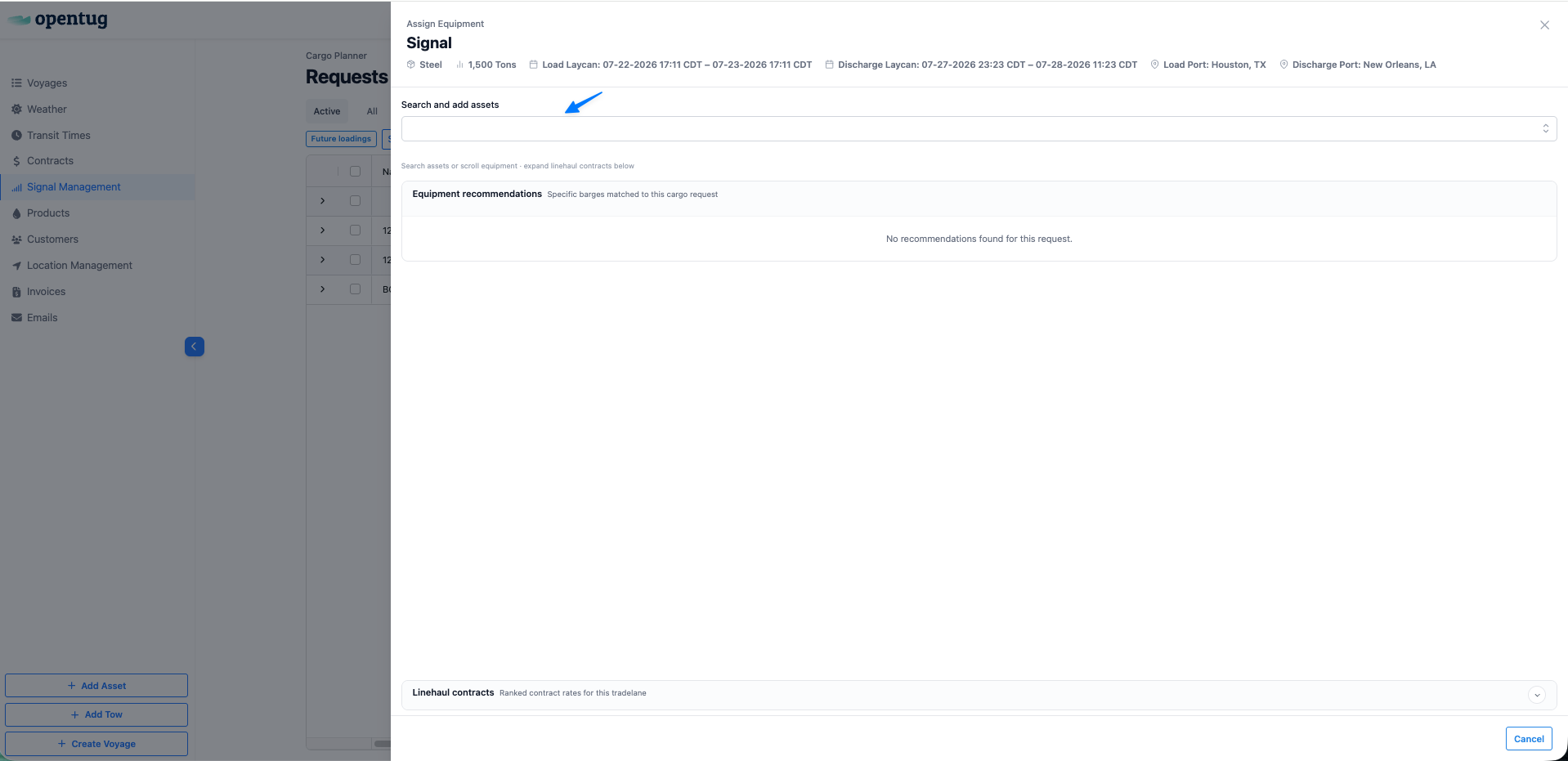
Search and add assets to your cargo request.
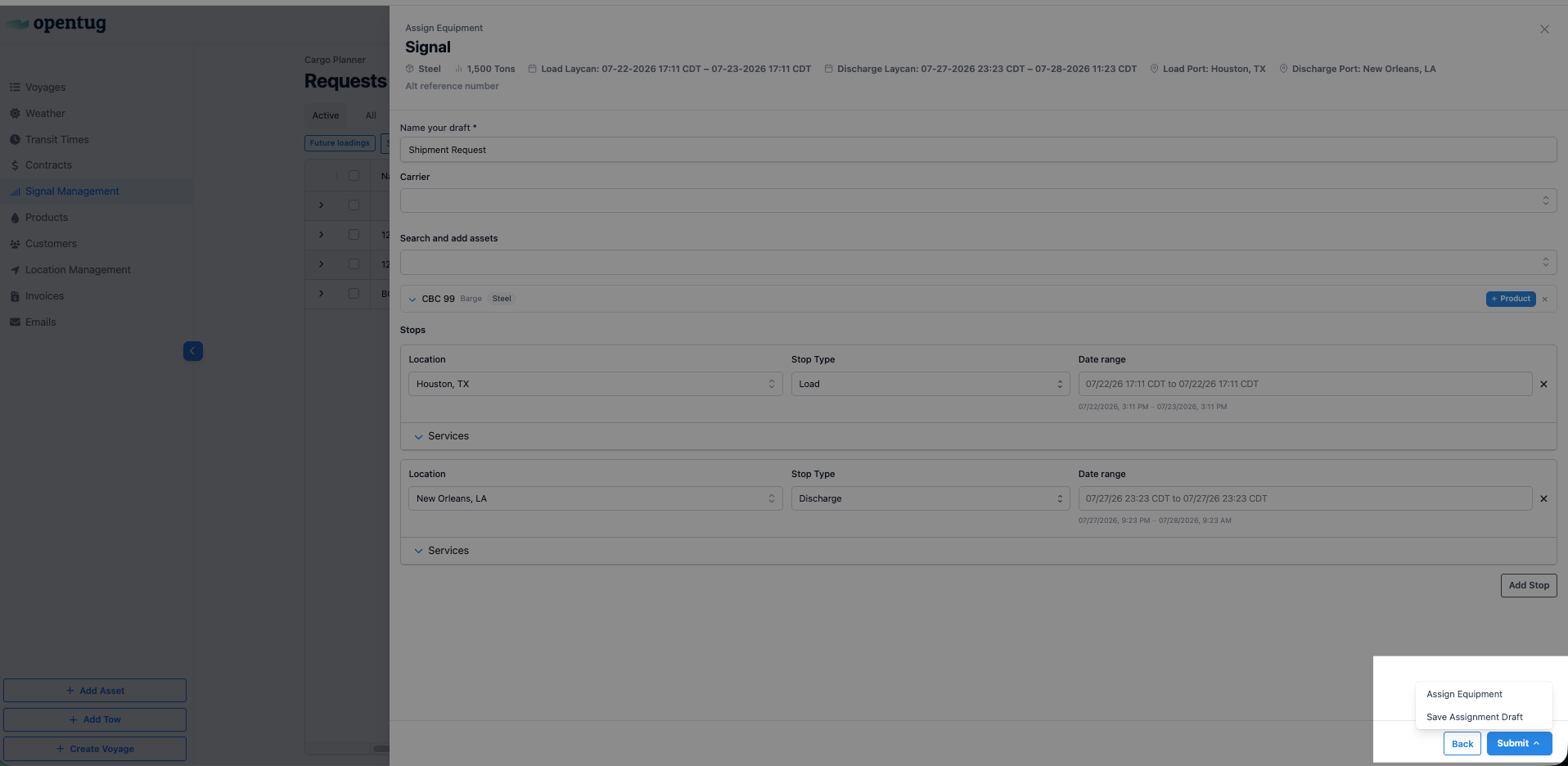
Click Submit and Assign Equipment
Your request will populate in the Cargo Planner