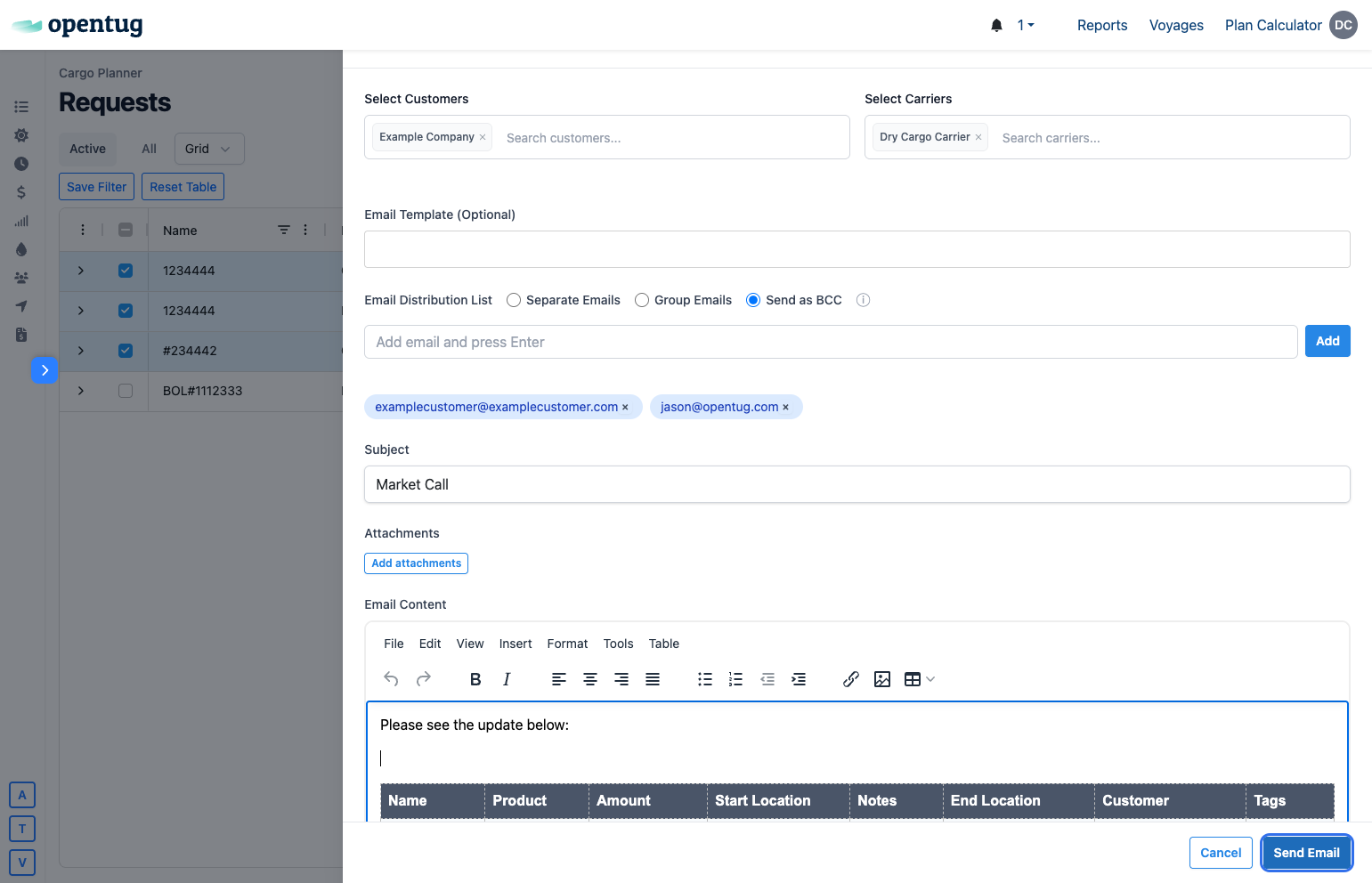
Send Market Call Email in OpenTug
Last updated: June 13, 2026
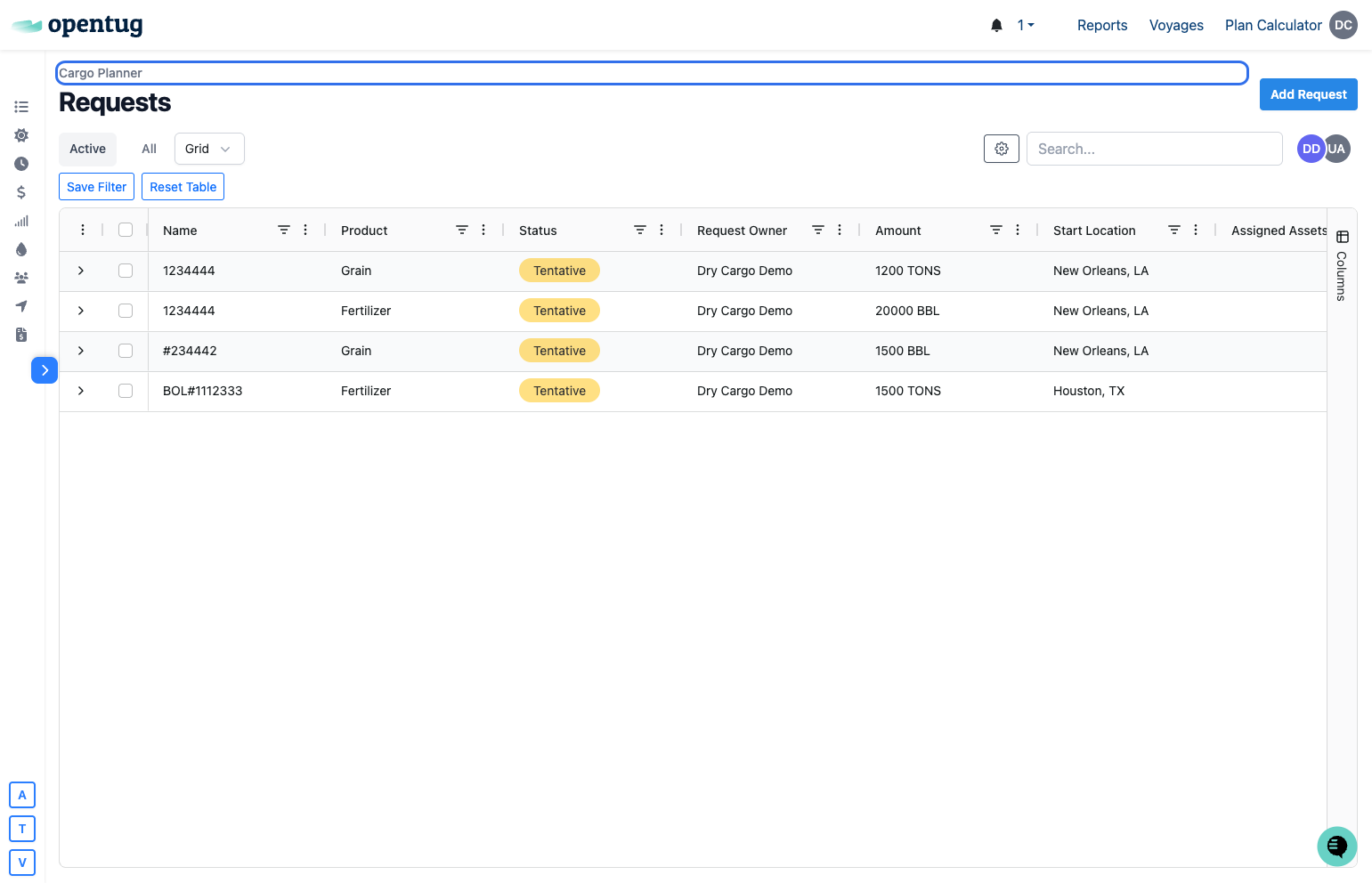
1.) Go to the signal management page --> Grid view
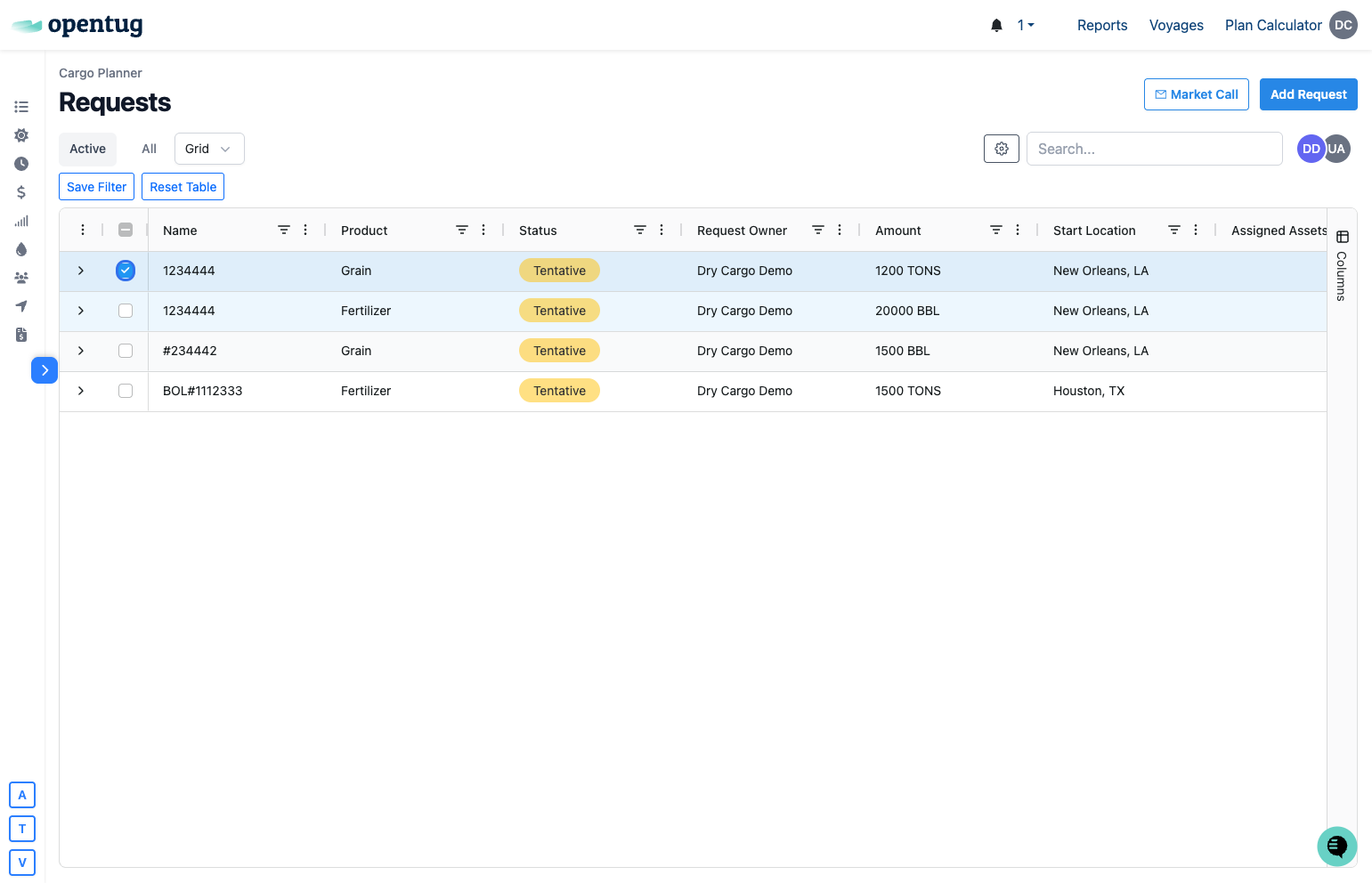
2.) Select the orders you would like to send
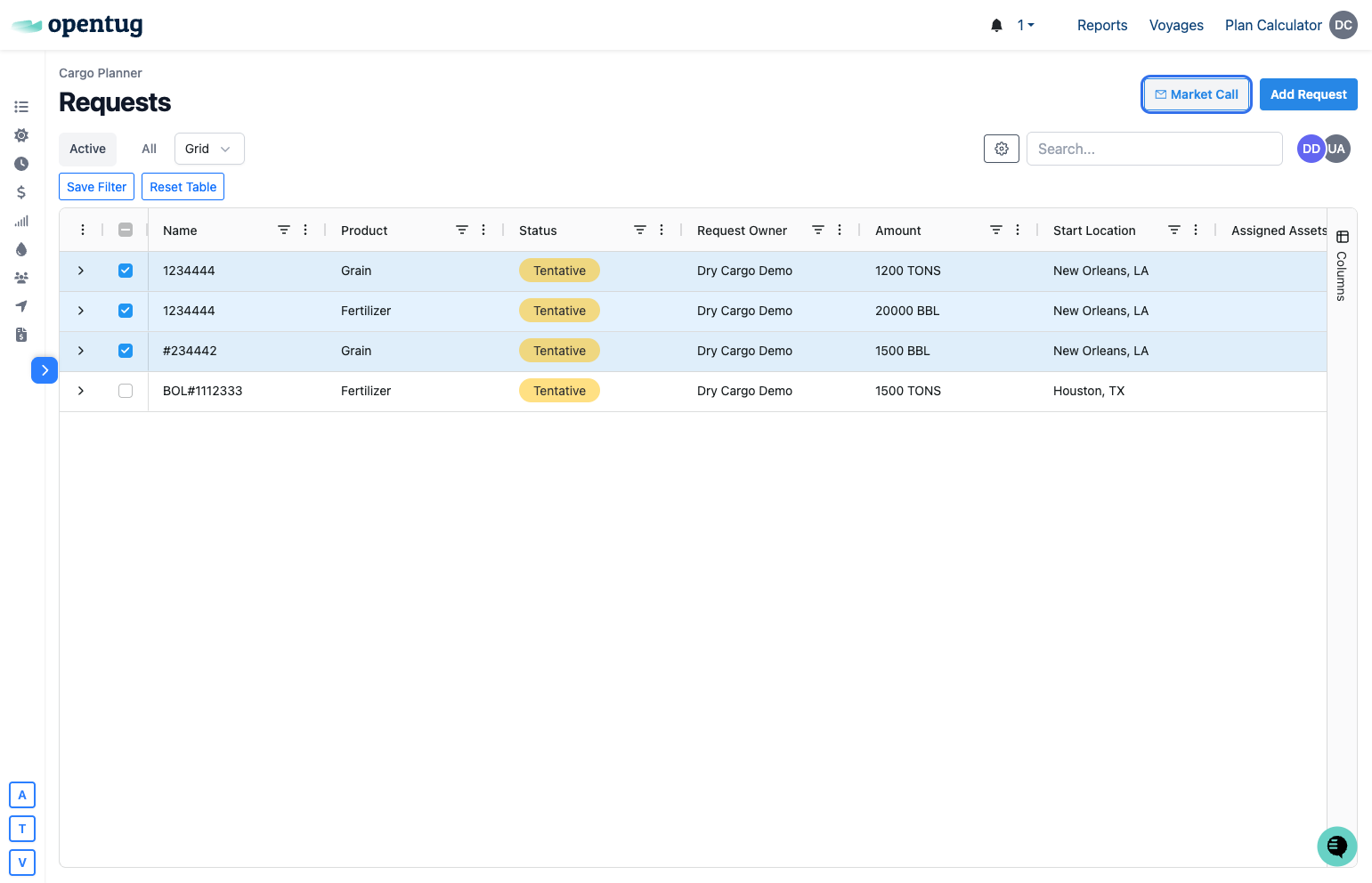
3.) Click on the Market Call button
4.) Click on Select Customers &/or carriers you would like the orders to go to
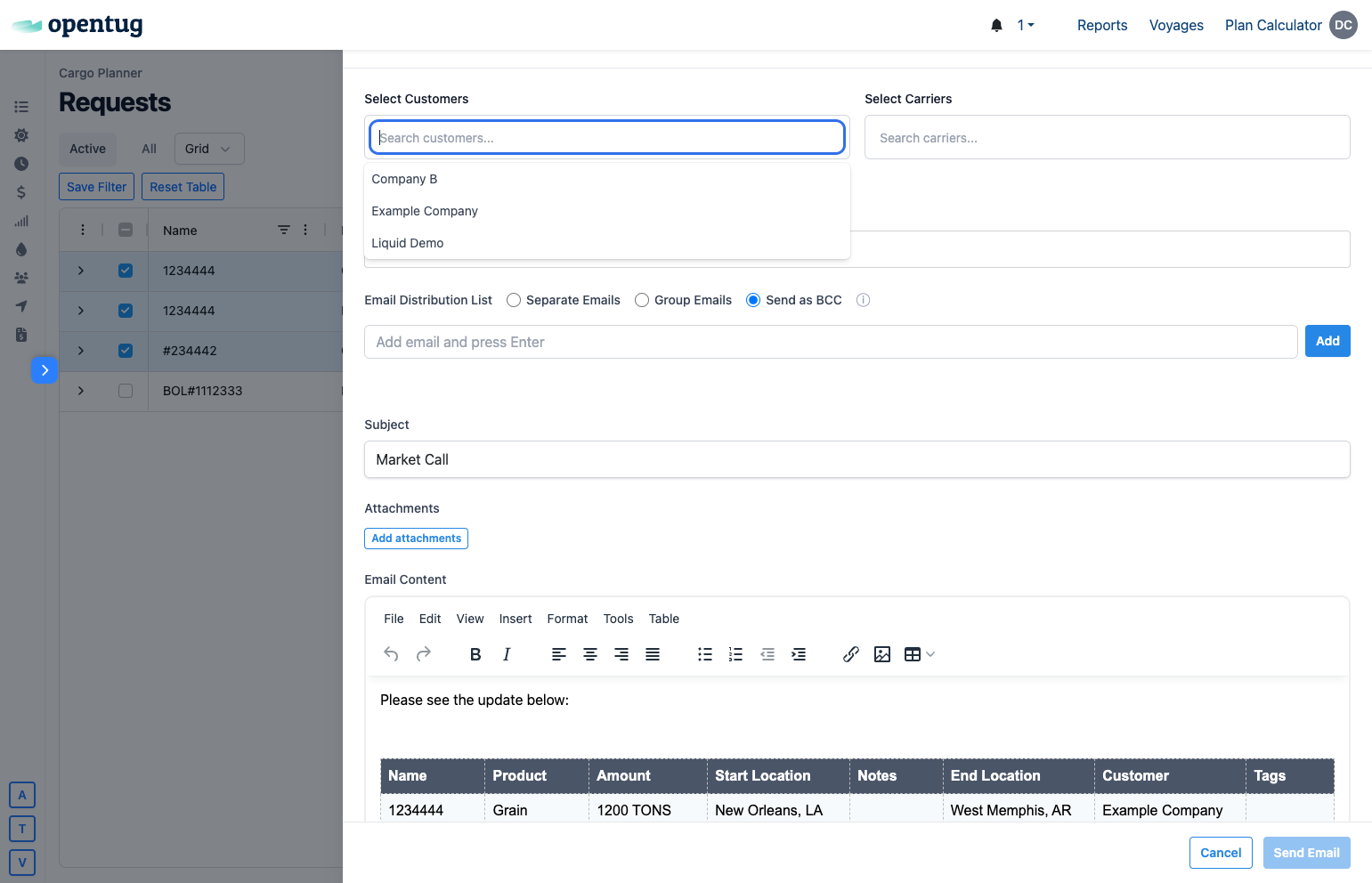
5.) Review and edit any details in the email
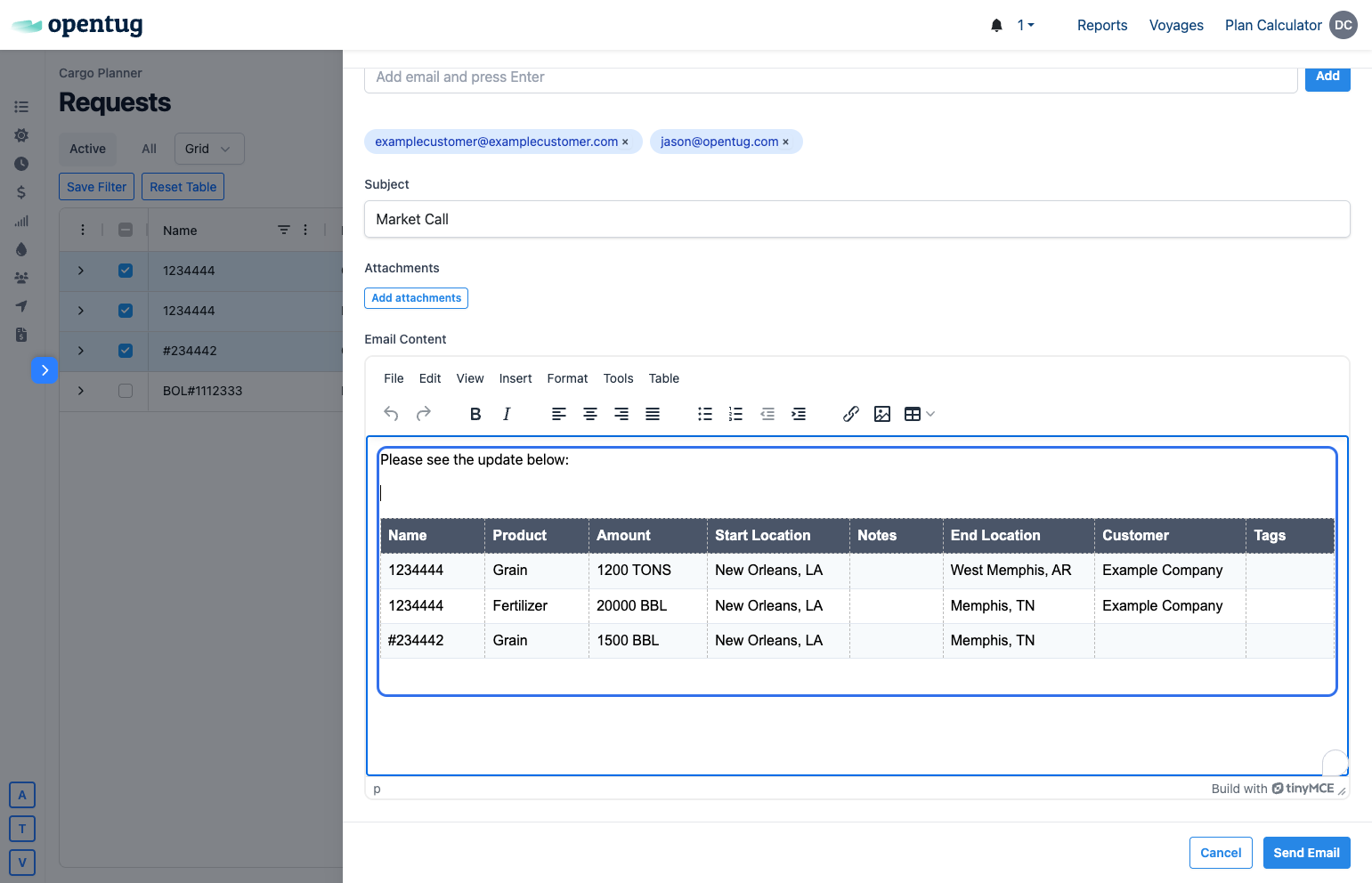
6.) Click on Send Email